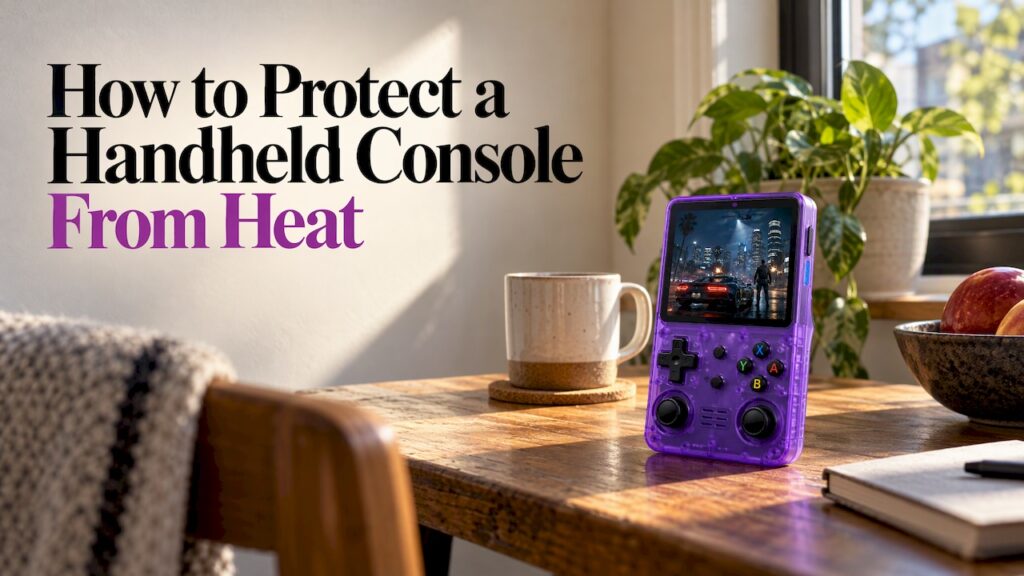
The best way to protect a handheld from heat is simple: keep it out of direct sun and hot cars, give it breaks, and let it cool for a few minutes before you put it in a bag. Heat hurts two things first, the battery and the plastic around it, and almost all of the damage is avoidable with habits that take seconds. This guide covers what to do while you play, while you carry it, and what to do when the device is already hot, so a summer commute, a road trip or a backyard afternoon doesn’t shorten its life.
TL;DR
- Mainstream handheld makers point to roughly 5°C to 35°C (41°F to 95°F) as the comfortable range for play, so treat a sunny patio or a parked car as outside it. Polygon’s report on the Switch 2 guidance gives the figure.
- Never leave a handheld in a hot car or glovebox. Heat wears down lithium batteries faster, and a bag you carry with you is safer.
- If it gets hot, turn it off completely, take it out of its case and move it somewhere cool. Never put it in a fridge or freezer.
- Let it rest 10 to 15 minutes after a long session before you zip it into a case.
- A swollen back, a strong odor or unusual heat from the battery means stop using it and handle the battery safely.
Table of Contents
- Why heat is the enemy of a handheld
- Know your safe range
- Protect it while you play
- Protect it while you carry it
- What to do when it’s already hot
- Battery warning signs you should never ignore
- A summer routine that takes under a minute
- Our view on handhelds and heat
- Ready-to-play retro gaming, made for carrying
- FAQ
- Sources
Why heat is the enemy of a handheld
A handheld packs a processor, a screen and a lithium battery into something that fits in two hands. There is very little room for air to move, so the device sheds heat slowly. When the outside air is already warm, or sunlight is hitting the shell, that margin shrinks.
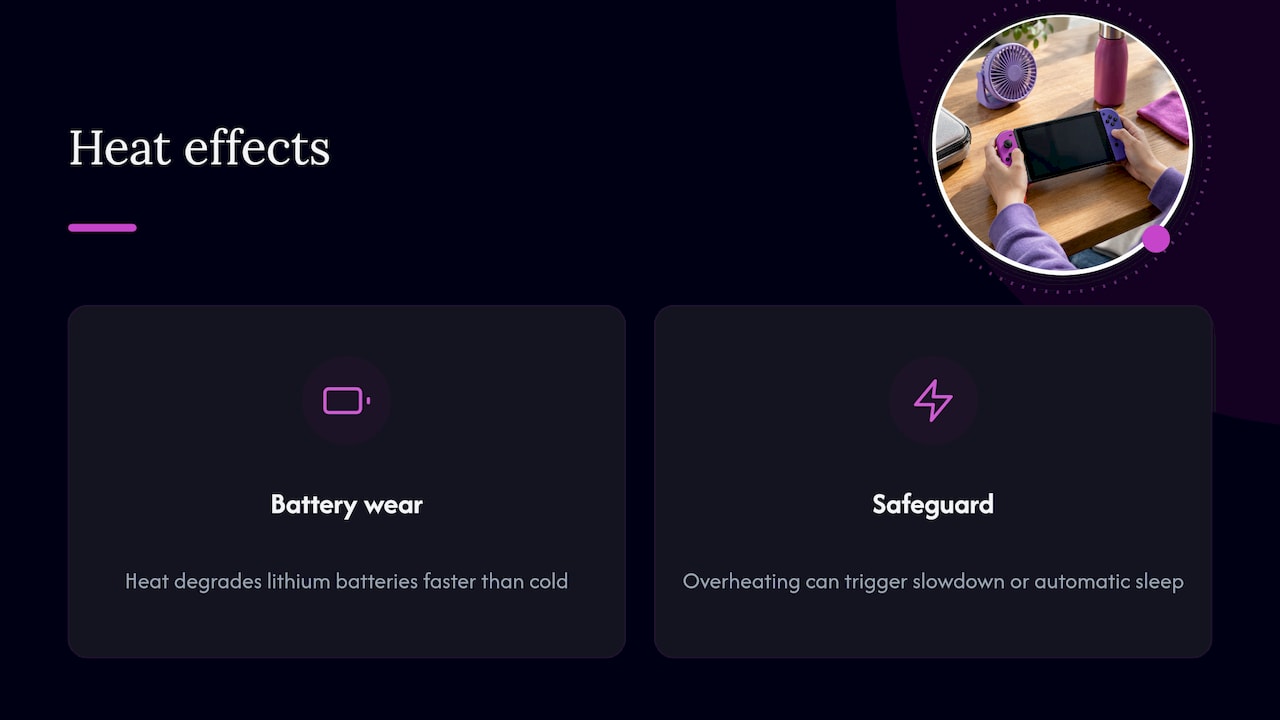
Battery wear is the long-term cost. BGR’s guide to preserving retro handheld batteries explains that heat degrades lithium-based batteries faster than cold does, because it puts added stress on the components. A battery that spends summers in hot places loses capacity sooner, which you notice as a handheld that used to last a whole commute and now taps out halfway.
The short-term cost is the device protecting itself. Mainstream consoles are built to slow down or sleep automatically when they get too hot, and Polygon’s coverage of a U.S. heat wave describes exactly that: an automatic sleep function shuts the unit down to stop further heating. That is a safeguard working as intended, and it is also your cue to stop and move somewhere cooler.
Know your safe range
A practical rule is to keep your handheld in the same temperatures you would be comfortable in. The 5°C to 35°C window (41°F to 95°F) that iFixit’s overheating guide lists for a popular console is a good yardstick for any handheld, including ours.
Here is how that looks in real places:
| Place | Heat risk | What to do |
|---|---|---|
| Air-conditioned room, shaded porch | Low | Play normally |
| Sunny window seat, hammock in the sun | High | Move to shade or close the blinds |
| Beach or pool deck in July | High | Shade, towel over the device between sessions, short sessions |
| Parked car in summer | Very high | Take it with you, every time |
| Bag sitting in direct sun | High | Keep the bag in shade or a cool spot |
The temperature in a parked car climbs far past the outside air, which is why the car is the single most common place handhelds get hurt. We come back to that below.
Protect it while you play
Choose your spot before you start
Sunlight on a dark plastic shell warms the device even when the air feels fine to you. Pocket-lint’s summer tips suggest closing blinds or curtains to keep sun off indoor devices and giving a handheld breaks when you play outdoors. Their example is a hot July afternoon in a backyard hammock, which a handheld will not handle for long.
Simple habits that help:
- Sit in the shade, or put your body between the sun and the screen.
- Don’t rest the console on a windowsill, a car dashboard, a hot patio table or a blanket in the sun.
- Hold it in a way that leaves the back and the sides open to air. Covering the vents with your hands or a thick grip cover traps heat.
- Keep dust out of the vents and openings. Ars Technica’s report on heat and portable consoles notes that maker guidance urges keeping vents free of dust and avoiding spots that hold heat.
Take breaks, even when it feels fine
Long sessions add heat on top of heat. After many hours of continuous play, iFixit recommends turning the console off for a break so it can cool more efficiently, and gives about an hour as the ideal rest. You don’t need to wait an hour after every level, but if you have been playing since lunch, a real pause helps.
Less demanding games run cooler, which is one reason classic 8-bit and 16-bit titles are easy on a device compared with modern 3D games. Our Retro Pulse is built around classic systems such as NES, SNES, Genesis and Game Boy, so a lot of your play time is with the lighter, older games.
Be careful with accessories
A cooling add-on sounds like a good idea but isn’t always one. iFixit’s troubleshooting notes that low-quality or third-party accessories can cause overheating, and describes some external cooling fans that send air to the wrong place and make a console hotter. If your device runs warmer after you add something, take the accessory off and see whether things improve.
Skin-tight silicone cases and thick covers can do the same thing. If the case feels warm to the touch after a session, play with it off.
Protect it while you carry it
Never leave it in the car
This is the rule that saves the most handhelds. BGR’s battery guide says to keep the device out of direct sunlight, off windowsills and warm surfaces, and out of a hot car. It specifically recommends bringing it with you in a bag or locker instead of stowing it in a glovebox.
It is easy to break when you are running errands or stopping for lunch on a road trip. Build one habit: when you get out of the car, the handheld goes with you. For parents handing a device to kids in the back seat, collect it at every stop and put it in the bag you are carrying.
Let it cool before you pack it
A device that has just been played hard is warm. Zipping it straight into a padded case holds that heat against it. As a general rule, give it 10 to 15 minutes in open air after a demanding session before you close it into a case or bag, a tip from The Portable Gamer’s carry guide. On a commute, that means powering down a few stops early rather than at the last second.
Pick a case that breathes
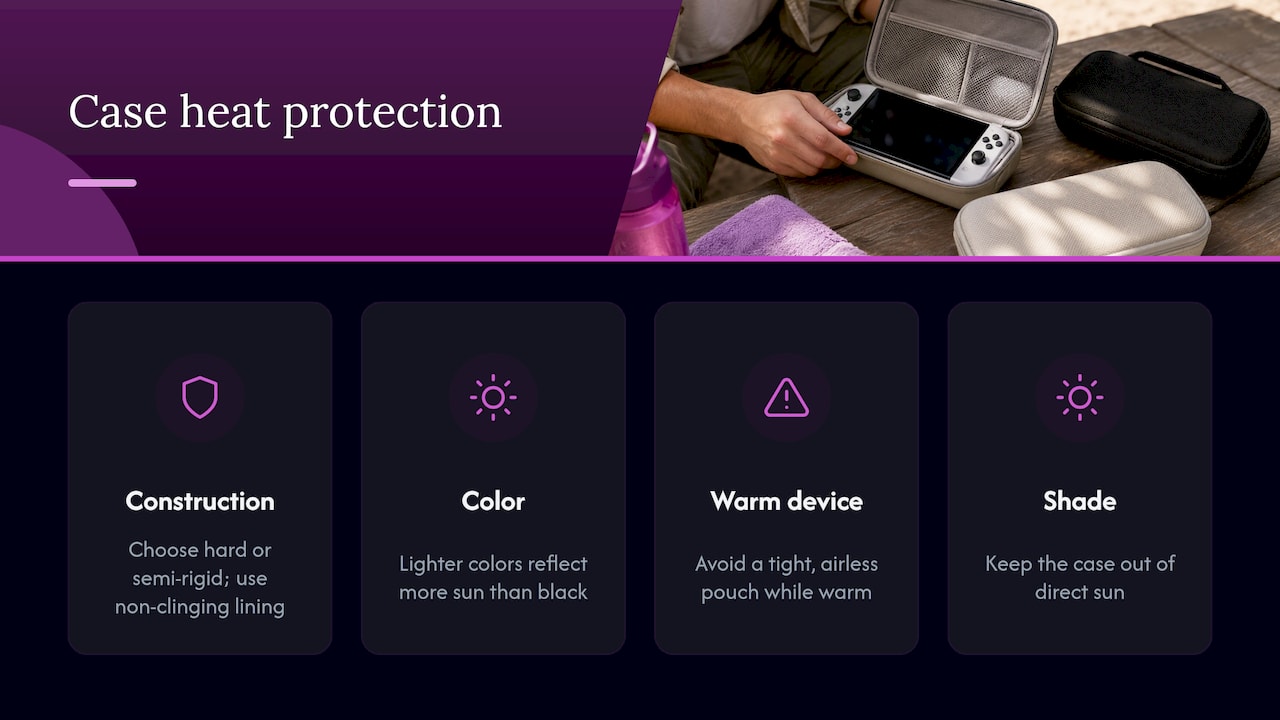
Look for a hard or semi-rigid case with a lining that doesn’t cling to the device. Lighter colors reflect more sun than black ones. Avoid sealing the device in a tight, airless pouch while it is warm, and keep the case itself out of the sun, on a seat in the shade or in the middle of a bag, not on top where the sun hits.
What to do when it’s already hot
If the handheld feels hot, shows a temperature warning or shuts itself off, act in this order:
- Turn it off completely. AP News reports electronics experts saying even background processes produce heat, so a full shutdown cools a device faster than leaving it on standby.
- Unplug the charger. Charging adds heat. Our handheld charging safety guide covers chargers and warning signs in more detail.
- Take it out of the case or cover. AP’s tips note a case can trap heat.
- Move it somewhere cool and shaded, such as an air-conditioned room, or in front of a fan.
- Don’t use the fridge or freezer. The same AP piece warns that condensation from a sudden temperature drop can cause water damage.
- Wait before using it again. Let it return to normal room warmth and touch before you power on.
If it overheats again and again even in normal conditions, work through the fixes in our retro handheld overheating guide.
Battery warning signs you should never ignore
Heat is hardest on the battery, and a damaged lithium battery is a safety issue, not just a performance one. BGR lists excessive heat, swelling and odd odors as warning signs that a lithium-based battery might catch fire, and notes that catching them early lets you dispose of the bad battery and replace it instead of losing the whole console.
Watch for:
- A back cover that bulges, a gap along the seam or a console that no longer sits flat on a table.
- A sweet, chemical or burning smell.
- A battery that gets very hot while charging or while idle.
- Sudden, steep drops in battery life after a hot summer.
If you see any of these, stop using and charging the device, move it away from anything flammable and out of direct sun, and don’t press on or puncture the battery. This guide to swollen phone batteries explains what swelling looks like and what to do right away, and the same sense applies to any lithium battery in a gadget. Take used batteries to a local battery recycling or hazardous waste drop-off, not into household trash.
On the Retro Pulse the battery is removable, so if you ever need to swap it you can take it out instead of dealing with a sealed unit. If you have any concern about a device you bought from us, check the terms in our handheld console warranty guide.
A summer routine that takes under a minute
You don’t need gear. You need five habits:
- Before you play: pick shade, or play indoors.
- While you play: keep the vents and back uncovered, and stop for a break during long sessions.
- After you play: turn it off, wait 10 to 15 minutes, then pack it.
- While traveling: the handheld rides with you, never in the car alone.
- Between charges: don’t charge a hot device. Let it cool first, a habit BGR’s guide counts among the better long-term battery practices. More ideas are in our guide to improving handheld battery life.
Parents can turn this into a family rule: the handheld lives in a bag, not on the car seat or the picnic blanket, and it takes a rest whenever it feels warm. It is also a good thing to mention when you give one as a gift, since new owners rarely think about heat until something goes wrong.
Our view on handhelds and heat
We built the Retro Pulse around a simple idea: you should be able to pick up a handheld and play classic games without fuss. That includes not having to think much about the device itself.
What we can tell you is what is in the box and how it is set up. The Retro Pulse is a handheld with a 3.5" IPS display, a real D-pad, twin sticks and L/R triggers, a removable battery rated for 6 to 8 hours of play, USB-C charging and dual microSD slots. It ships from a U.S. warehouse and comes with a one-year warranty and 30-day returns.
A removable battery matters in a conversation about heat, because the battery is the part heat wears out. Having one you can take out and replace is one more reason we like the design for everyday use, whether that is a commute, a school bag or a long drive with the kids.
Our advice is the same as the one in this guide: keep it in shade, keep it with you and give it a rest. Do that and a handheld should serve you through many summers.
Sean
Ready-to-play retro gaming, made for carrying
If you are looking for a handheld that goes in a bag and works the moment you turn it on, the Retro Pulse comes preloaded with 15,000 classic games from more than 20 systems, including NES, SNES, Genesis, PS1, N64, Game Boy, GBA and arcade. It plays offline, so there are no downloads or subscriptions to manage, and the removable battery is rated for 6 to 8 hours. It also ships from a U.S. warehouse, with a one-year warranty and 30-day returns.

See the Retro Pulse handheld for details, or browse all handhelds.
FAQ
Can I leave my handheld in a hot car for a short time?
It’s best not to. A parked car heats up much faster and higher than the air outside, and heat speeds up lithium battery wear. BGR’s guidance is to keep it out of a hot car and bring it with you in a bag instead of using the glovebox. Even a quick stop is a good time to take it along.
How hot is too hot for a handheld console?
A good working range is about 5°C to 35°C (41°F to 95°F), the window that console makers and repair guides such as iFixit give for handhelds. Direct sun on the shell can push the device past that even on a day that feels mild to you. If the unit feels hot to the touch, stop playing and let it cool.
Should I put a hot handheld in the fridge or freezer?
No. AP News reports that sudden cooling can cause condensation inside the device, which can damage it. Turn it off, take it out of its case and put it somewhere cool and shaded, or in front of a fan, instead.
Does playing retro games make a handheld run hot?
Classic games from older systems ask much less of a processor than modern 3D titles, so they are generally gentler to play for long stretches. Heat from the sun, a warm room, charging while playing and a tight case still matter, so the habits above apply to any handheld.
What should I do if my handheld’s battery swells?
Stop using and charging it right away, keep it away from heat and anything flammable, and don’t press on it. Take the battery to a battery recycling or hazardous waste drop-off. If your device is under warranty, see the terms on our warranty page.
Sources
- Polygon: U.S. heat wave could ruin your Switch 2 if played outside
- iFixit: Nintendo Switch overheating troubleshooting
- BGR: How to preserve the battery health of your retro handhelds
- Pocket-lint: 4 ways to keep a laptop and console cool in summer heat
- Ars Technica: It’s getting too hot to play portable consoles
- AP News: One Tech Tip, don’t let your phone overheat
- The Portable Gamer: Best ways to protect a handheld console on the move
- MobSpares: Swollen phone battery guide