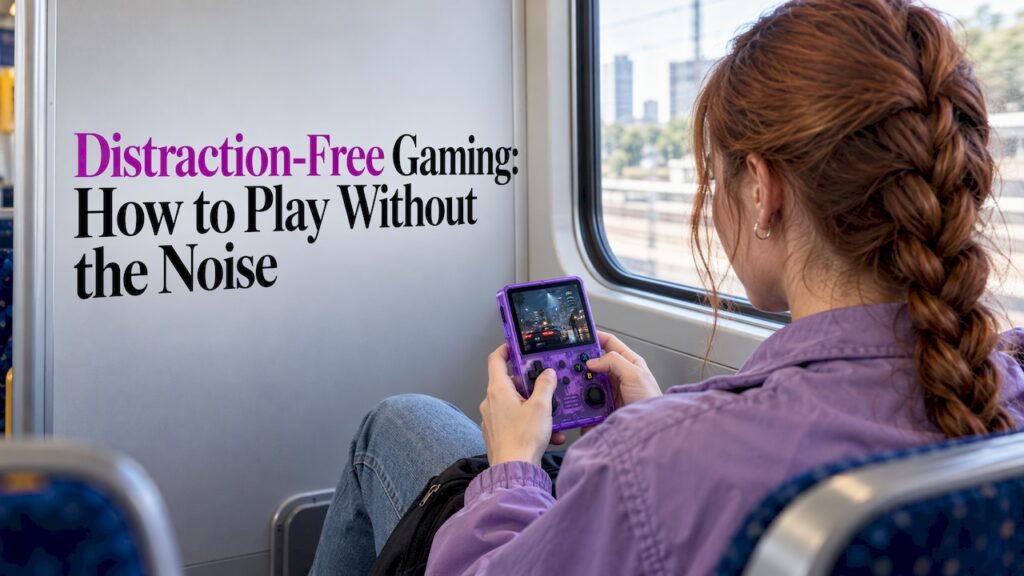
Distraction-free gaming means sitting down, pressing a button and playing, with no notifications, no update bars, no login screens and no store pop-ups between you and the game. The simplest way to get there is to take the game off the device that buzzes all day. An offline handheld with a finished library does that, and it is the approach we built Retro Pulse around.
This guide explains what distraction-free play really involves, which kinds of games suit short sessions and commutes, how to choose a device, and how parents, students and gift buyers can get the most from it.
TL;DR
- Distraction-free gaming is about removing interruptions before you start: no alerts, no required internet, no accounts, no menus to wrestle with.
- Offline, finished games (the classic NES, SNES, Genesis, PS1 and arcade era) are naturally suited to it, because there are no microtransactions or live-service prompts.
- For commuting, check battery life, control layout, screen size, durability and whether everything works with no signal.
- Retro Pulse is preloaded with 15,000 games from over 20 systems, runs offline, and ships from a U.S. warehouse with a one-year warranty and 30-day returns.
- Start small: a handful of favorites you can finish in ten minutes beats a library you never open.
Table of Contents
- What distraction-free gaming actually means
- Why retro games fit so well
- The setup problem: why “easy to start” matters
- Choosing a handheld for commuting
- Games that work in short sessions
- Sharing distraction-free play with kids
- Students and gift buyers: value you can judge
- Perspective
- Retro Pulse: play instantly, offline
- A simple routine for distraction-free play
- FAQ
- Sources
What distraction-free gaming actually means
Most advice about distractions is about productivity: blocking sites, silencing your phone, setting up a quiet desk. Distraction-free gaming is the same idea pointed at play. The goal is to protect the game, so you get the absorbed state that psychologists call flow.
One writer on playing only in full-screen mode makes a useful point: it works not because you try harder to focus, but because the clock, notifications and other windows are gone before you begin. That is the right way to think about it. Willpower is a poor tool. Design is a good one.
In practice, a distraction-free setup has four parts:
- No interruptions from the device. No messages, banners, or background apps competing for the screen.
- No friction to start. No downloads, updates, accounts or subscriptions standing between you and the first level.
- No pressure inside the game. No daily login rewards, timers that push you to come back, or in-game stores.
- A natural stopping point. Games you can play for ten minutes or an hour and leave without losing anything.
That last point matters more than it sounds. Some games reward long, uninterrupted attention, while others, like idle and casual titles, tolerate being played in fragments. Knowing which kind you are picking up helps you match the game to the moment.
Why retro games fit so well
Classic games were designed for a world without notifications. A cartridge had one job. You switched it on, a title screen appeared, and you pressed Start. Everything you needed was already inside the game.
That design gives retro libraries several traits that suit focused play:
- They are finished. There are no patches, seasons or live events. The game you play today is the game you will play next year.
- They work offline. Nothing needs a connection, so nothing needs to check in with a server.
- They are readable at a glance. Clear goals, simple controls, short levels. You can pick one up cold.
- They have save points or short loops. Arcade games reset in minutes. Platformers break into stages. Puzzle games run as long as you want.
If you want a related example of the same idea outside video games, a classic Ninja Turtles pinball machine is a good picture of single-purpose play: one machine, one goal, no menus. A handheld loaded with classics brings that same feeling to a bag or a coat pocket.
The setup problem: why “easy to start” matters
A device can be offline and still full of friction. If you have to build it, configure it or hunt for game files before you can play, the distraction is the project itself.
A comparison of classic mini consoles and a do-it-yourself Raspberry Pi build puts numbers on this: the plug-and-play minis take about 10 minutes from unboxing to play, while a first-time RetroPie build can take a full weekend and leaves you in charge of cases, SD cards, controller mapping and game files. Minis are polished, but their libraries are fixed at roughly 20 to 40 games.
That tension is what we aimed to resolve. You want the instant start of a mini console and a library big enough that you do not run out. Our guide to mini consoles versus handhelds walks through the choice between playing on a TV and playing for 2 to 8 hours on the go.
What “ready to play” should mean:
- Games already loaded and sorted, so the first screen is a list of games, not an empty folder.
- No required account or subscription.
- No download before the first game.
- Charging that works with a cable you already own.
For more on how the technology behind these devices works and what is legal, see what retro emulation is. If you are curious how a handheld is set up at all, our plain-English emulation handheld guide covers it.
Choosing a handheld for commuting
A commute is the ultimate test of distraction-free play, because the environment is full of interruptions: announcements, stops, crowds, spotty signal. Here is what to check before you buy any portable option.
Battery life and charging
A device that dies halfway home defeats the purpose. Look for a stated battery life in hours, not a vague promise, and check whether you can swap the battery. Retro Pulse has a removable battery rated at 6 to 8 hours of play and charges over USB-C, so a spare battery in your bag means a long trip or a full week of short rides without hunting for an outlet.
Controls
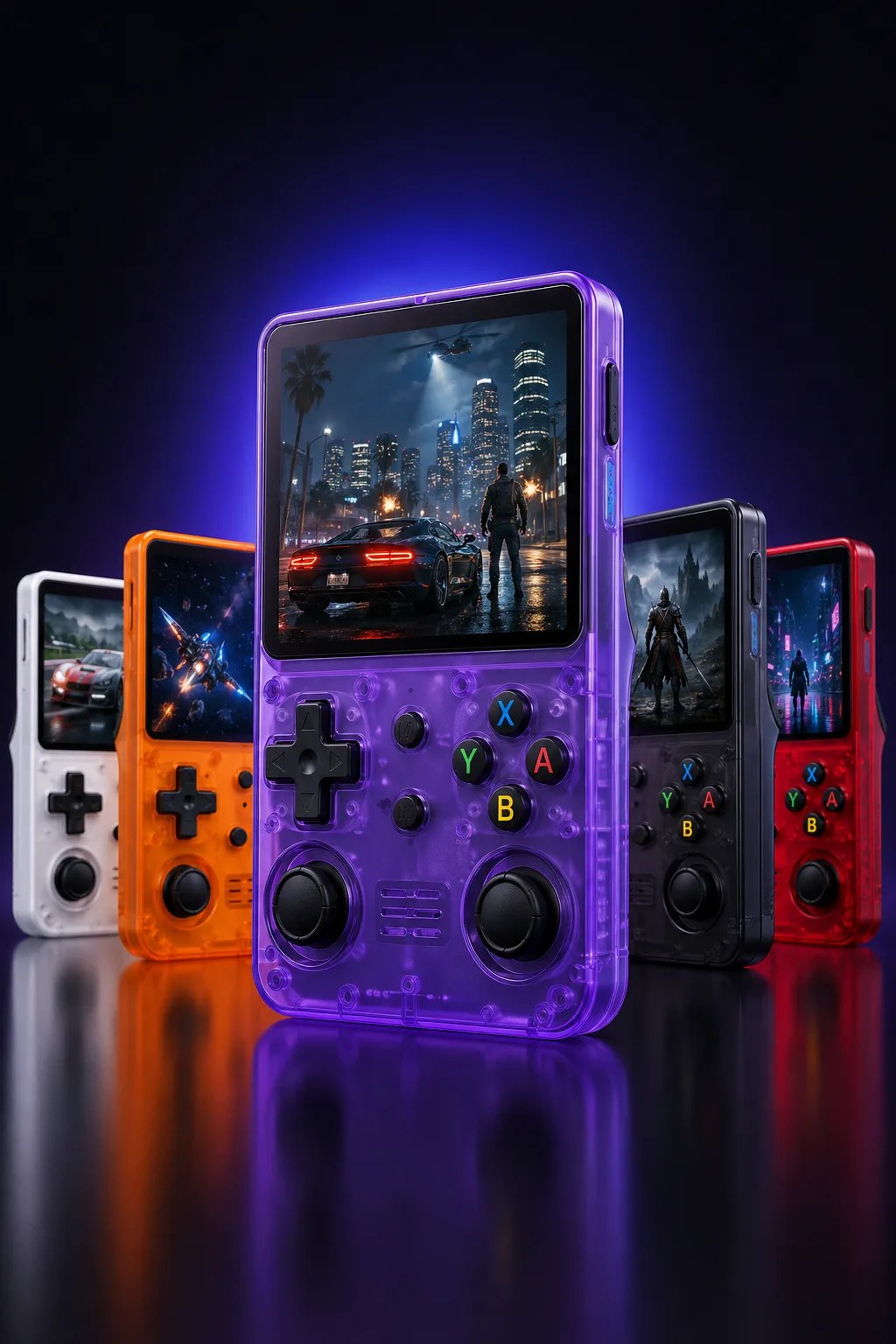
Touchscreens are fine for tapping, but classic games were built around a real D-pad and buttons. A physical layout lets you play by feel, without looking down, which is a big deal on a moving train. Retro Pulse has a real D-pad, twin sticks and L/R triggers, which covers everything from 8-bit platformers to PS1 and N64 titles.
Screen
Bigger is not always better for commuting. A 3.5-inch IPS screen is a sensible balance: sharp and colorful enough for pixel art, small enough to hold comfortably and slip into a pocket or a bag.
Durability
A commuter device gets dropped, squeezed and tossed in a backpack. A robust build matters more than a long spec sheet. We designed Retro Pulse with a sturdy body for exactly that kind of daily carry, and it comes with a one-year warranty.
Offline access
Cell signal disappears in tunnels, on planes and in many buildings. Anything that needs a connection to launch or save will fail you at the worst moment. Our piece on gaming without internet explains what works offline and what does not, and it is worth reading before you commit to any device or app.
Quick checklist
| What to check | Why it matters on a commute | What we built into Retro Pulse |
|---|---|---|
| Battery | Covers the trip with a margin | Removable battery, 6 to 8 hours |
| Charging | Works with a common cable | USB-C |
| Controls | Playable by feel | Real D-pad, twin sticks, L/R triggers |
| Screen | Clear and portable | 3.5" IPS display |
| Offline use | No signal needed | Offline-first operation |
| Starting a game | No waiting | Preloaded, no downloads or subscriptions |
Games that work in short sessions
A commute is rarely a single block of time. It is a few minutes waiting on the platform, a stretch on the train, then a short walk. The best games for these windows resolve quickly and are easy to leave.
A roundup of games for five-minute breaks picks titles like a deck-building roguelike with winning runs of around 20 to 30 minutes and a game with 2-minute matches. The principle carries straight over to retro: look for games with short loops.
Good retro picks for short windows:
- Arcade classics. Each credit is a few minutes. Our arcade emulation guide explains how to pick one and start.
- Puzzle games. Falling-block and match games start instantly and end whenever you want.
- Platformer stages. A single Mario or Sonic level fits a stop or two.
- Fighting games. A round takes a minute or two, and our list of retro fighting games helps you choose.
- Game Boy and GBA adventures. Built for portable play, with save systems that suit interrupted sessions.
A useful habit is to pick three games for the week rather than browsing 15,000. Our post on a curated retro library makes the same case: a short list you actually play beats endless scrolling.
Sharing distraction-free play with kids
Parents often tell us the appeal is simple: they want to hand a child a game they loved, without a tablet’s ads and purchase prompts getting in the way. Retro games are well suited, with straightforward mechanics, bright graphics and quick feedback.
A few ideas that work:
- Start with games that explain themselves. Platformers like Super Mario World, simple adventures like Kirby’s Dream Land, and cooperative two-player modes such as the one in Sonic the Hedgehog 2 are common recommendations among retro fans.
- Start small. One controller and one game that fits a ten-minute break will teach you more than a huge pile of nostalgia. That is the advice of one retro gaming writer, and it matches what we see.
- Talk about it afterward. Ask what they noticed, whether a jump felt fair, how the music changed the mood, then hand the controller back.
- Let them lead. Our guide to sharing retro games with kids explains why skipping setup and letting a child choose keeps the experience relaxed.
For road trips and flights, offline travel games for kids covers a quick check to run before you leave. And if grandparents want to join in, the one-page setup for grandparents keeps it painless.
One safe-use note for families: build breaks into play. Because a handheld with no internet has no feed to scroll, it is easier to set a natural limit, such as one stage or one match, then stop and do something offline together.
Students and gift buyers: value you can judge
For students on a budget, the question is not the lowest sticker price but how much play you get from one purchase. A few ways to judge it:
- Count what is included. A device with games already loaded avoids buying titles one by one. Our comparison of a retro handheld versus a Switch looks at 15,000 games against per-game costs.
- Check what happens if you want more. Retro Pulse has dual microSD slots, so you can add games later. Here is how to add games to a handheld.
- Look at protection. A one-year warranty and 30-day returns mean you can buy with less worry.
- Think about the phone. If you are weighing your phone as a gaming device, notifications are the obstacle. Our phone emulation versus handheld comparison explains the trade.
For gift buyers, the main appeal is that the recipient does not need to set anything up. They open the box, charge it and play. If you are choosing between a device to play and an item to display, our retro gaming gift ideas sorts them. Shoppers also ask whether preloaded devices are trustworthy, so read what to check on preloaded consoles before you buy any.
Perspective
We built Retro Pulse because we kept hearing the same thing from friends and customers: they wanted to play, not manage.
Modern gaming asks a lot before the first button press. Updates, logins, store pages, subscriptions. Even when a game is good, the road to it is crowded. We think the most underrated feature of a handheld is what it leaves out.
That is why we chose an offline-first design with a curated library of 15,000 games across more than 20 systems, from NES and SNES to PS1, N64, Game Boy, GBA and arcade. It is ready to play instantly, with no menu setup, no downloads and no subscription. We ship from a U.S. warehouse so you are not waiting weeks on a package, and we back it with a one-year warranty and 30-day returns.
The removable battery, the 6 to 8 hours of play, the real D-pad and the 3.5-inch IPS screen are all there for one reason: so you can sit down on a train, at a kitchen table or on a couch and just be in the game. That is what distraction-free gaming means to us.
Sean
Retro Pulse: play instantly, offline
If you want a device made for this kind of focused play, Retro Pulse is preloaded with 15,000 classic games from over 20 systems, including NES, SNES, Genesis, PS1, N64, Game Boy, GBA and arcade. It has a 3.5-inch IPS display, a real D-pad, twin sticks and L/R triggers, USB-C charging and a removable battery rated for 6 to 8 hours.
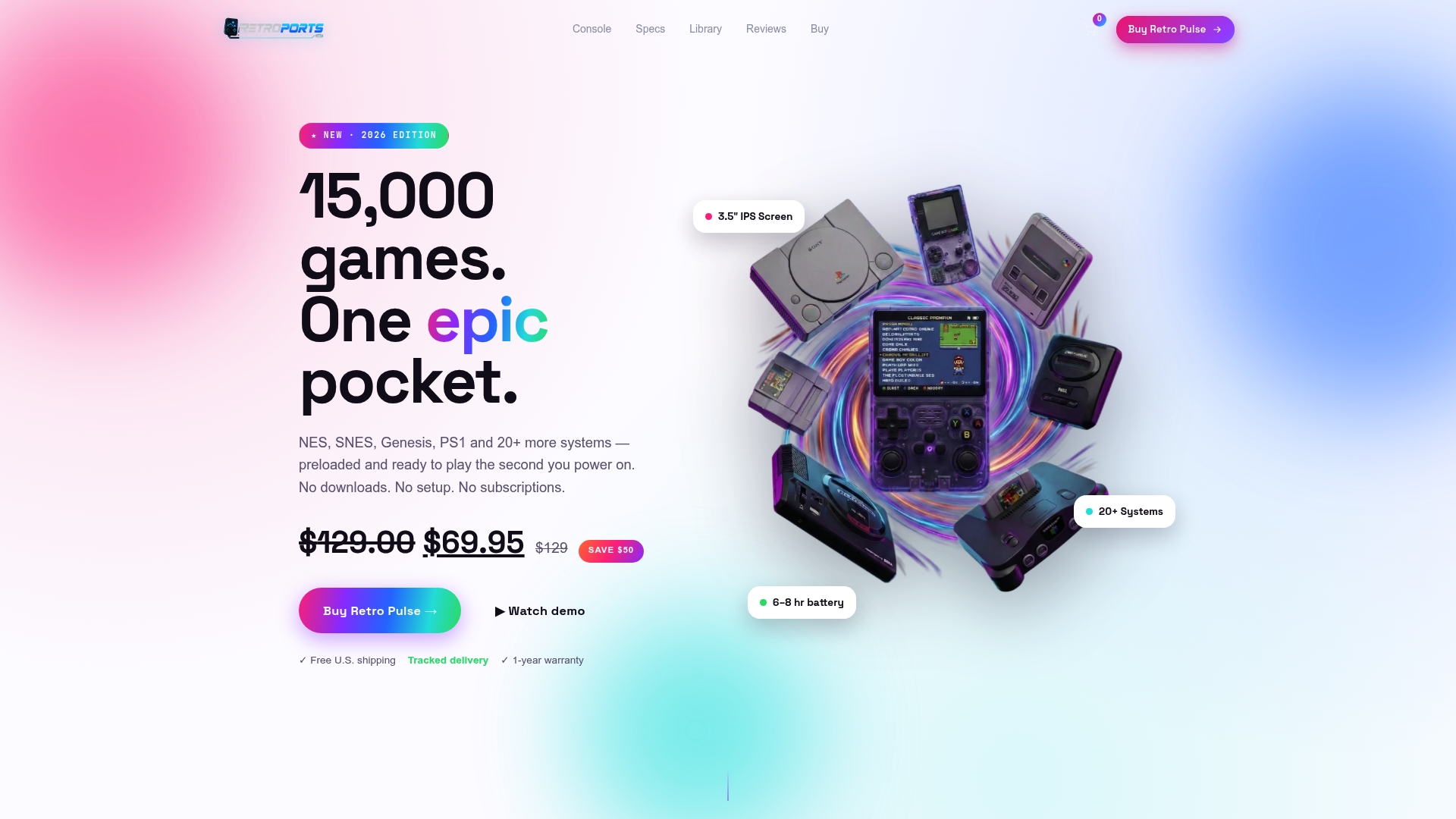
It works offline, so there is no signal to look for and no account to create. It ships from a U.S. warehouse and comes with a one-year warranty and 30-day returns. You can see the full details on the Retro Pulse product page.
A simple routine for distraction-free play
The device is half of it. A few habits do the rest:
- Pick before you play. Choose one or two games, not a library.
- Charge it the night before. Keep a spare battery in your bag if you commute.
- Keep it for play. A device without messages or feeds stays a place to play.
- Set a stopping point. One level, one match, one stop on the train.
- Pass it on. Hand the controller to a friend or a child and play together.
FAQ
What is distraction-free gaming?
It is playing with nothing between you and the game: no notifications, no required internet, no downloads and no in-game prompts to spend or return. Offline devices and finished games make this easy. Many players find it helps them reach the absorbed state known as flow.
What are good games for a short commute?
Choose games where one round resolves in a few minutes: arcade titles, puzzle games, single platformer stages and short fighting-game rounds. Pick a few favorites ahead of time so you do not spend the ride browsing. Games built for handhelds, like Game Boy titles, also suit interrupted play.
Do I need internet to play on Retro Pulse?
No. Retro Pulse is offline-first, and its 15,000 preloaded games need no downloads, accounts or subscriptions. You can charge it over USB-C and play wherever you are, including places with no signal.
Is a retro handheld a good gift for kids?
It can be. Classic games have simple mechanics and bright graphics, and a handheld with no internet has no ads or feeds to manage. Start with a few easy titles, play together at first, and set short sessions with offline breaks in between.
Can I add more games to Retro Pulse?
Yes. It has dual microSD slots for adding games. Our guide on adding games to a handheld explains the steps.
Sources
- Game Mindset: Only play games in full-screen mode, Alex Hsu
- Genesis Mini vs SNES Classic vs a Pi RetroPie, SpecPicks
- The Best Mobile Games to Play on a 5-Minute Break, How-To Geek
- 1991 Data East Teenage Mutant Ninja Turtles pinball machine, Old Town Pinball