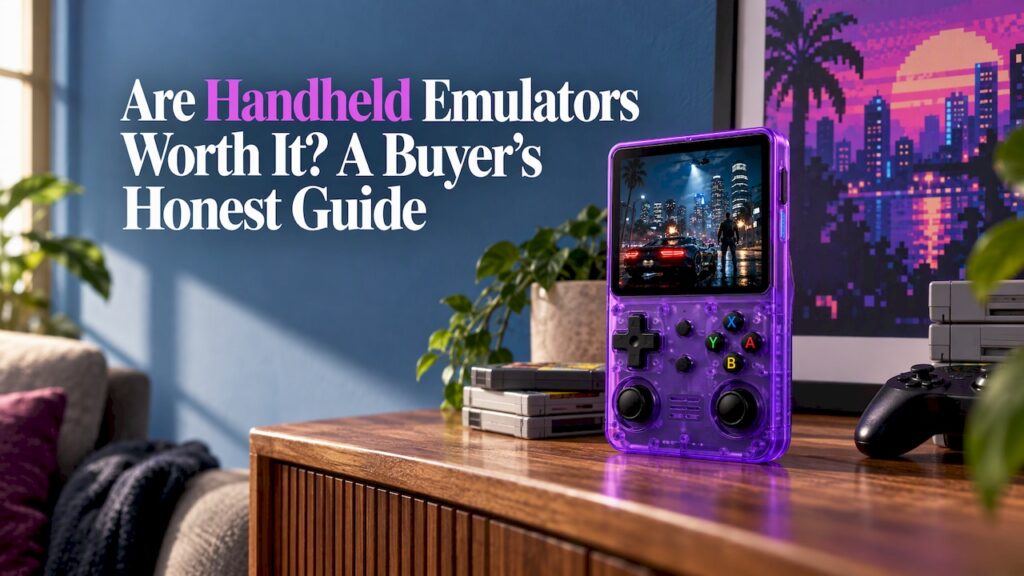
Yes, for most people who want classic games on the go, a handheld emulator is worth it. You get thousands of games from the 8-bit and 16-bit eras up through PS1 in a device that fits in a jacket pocket, usually for far less than a new console. What decides whether it’s worth it for you is how much setup you want to do, which systems you care about, and how comfortable the controls feel. This guide covers all three, plus cost, legality and the difference between a “bring your own games” device and a preloaded one.
TL;DR
- Handheld emulators are worth it if you want portable retro play: even budget models handle 8-bit, 16-bit and PS1 games well, and reviewers say many current devices are great for older games.
- Cost scales with the systems you want. Basic retro-focused devices start around $70, while hardware that can handle PS2 and GameCube starts higher and needs more tinkering.
- Emulator software can be legal, but downloading ROMs of commercial games from the internet violates copyright law in the U.S.
- A preloaded handheld removes file hunting, menus and card formatting. That convenience is the main reason people buy one.
- Check controls, battery, screen and warranty before price. They shape how often you actually play.
Table of Contents
- What a handheld emulator actually is
- Why they’re worth it
- What handheld emulators run well, and where limits start
- What they cost
- Setup: how much work is it really?
- Is it legal?
- Preloaded consoles: are they worth it?
- Our perspective
- How to choose: a short checklist
- Ready to play: Retro Pulse
- FAQ
- Sources
What a handheld emulator actually is
An emulator is software that imitates an old console’s hardware so its games run on something else. A handheld emulator is a pocket-sized device built to run that software, with physical buttons, a screen and a battery. Instead of owning a Game Boy, a Super Nintendo and a PlayStation, you carry one device that imitates all of them.
There are two broad kinds:
- Bring-your-own-games devices. You buy the hardware, then install emulators, add game files and organize everything yourself.
- Preloaded devices. The library is already on the machine and you turn it on and pick a game.
Both run the same sort of software underneath. The difference is how much work happens before your first game.
Why they’re worth it
One device replaces a shelf of old hardware
Original consoles, cartridges and controllers keep getting more expensive and harder to maintain. A single handheld covers NES, SNES, Genesis, Game Boy, GBA, arcade and PS1 in one pocket. If you want to see how emulation compares with chasing original consoles, our piece on emulation versus original hardware goes through it.
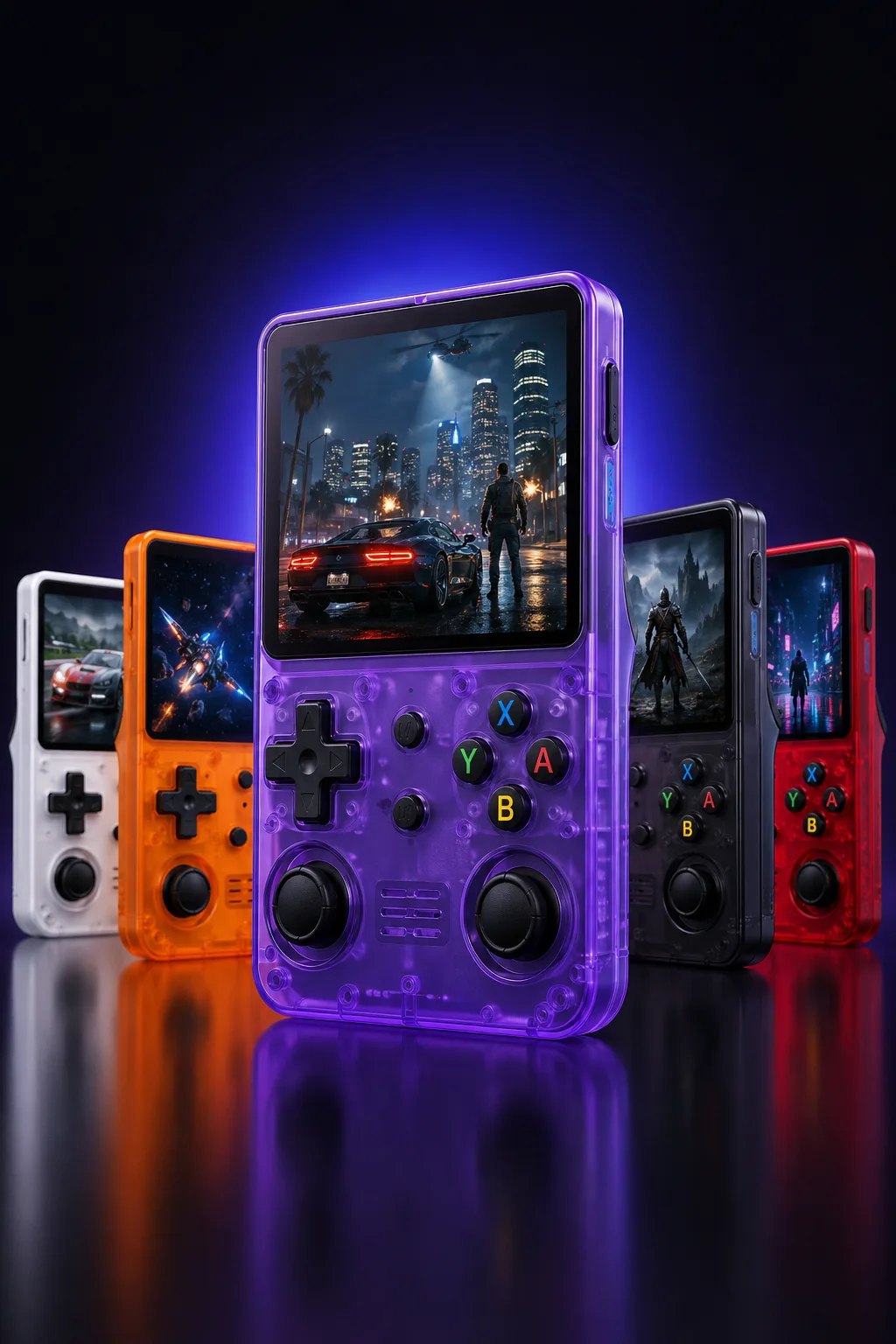
Even modest hardware plays older games well
Older systems are easy for modern chips. Polygon’s reviewer put it bluntly after testing a current handheld: if all you want is to play older games, you can throw a dart and hit a great option. That is the most useful thing to know before you start comparing spec sheets. For classic 2D games and PS1, you don’t need a flagship.
Real buttons beat a phone screen
Playing on a phone works, but touch controls cover the screen and lack the feel of a real D-pad. Dedicated hardware gives you proper buttons, triggers and a screen sized for the job. We compare the two approaches in phone emulation versus a handheld.
It’s portable by design
Commutes, flights, waiting rooms and couch sessions don’t need a TV or an outlet. Battery life varies a lot between models. One well-reviewed budget device offers up to six hours with Wi-Fi on and modest brightness, and a PS2-capable handheld reviewed by Time Extension lasts five to ten hours depending on the emulation. Heavier systems drain faster, so the games you choose matter.
What handheld emulators run well, and where limits start
Think in tiers of difficulty.
| Era / system | Typical experience on a modern handheld |
|---|---|
| NES, Game Boy, Master System | Effortless on nearly any device |
| SNES, Genesis, GBA, arcade | Excellent, with accurate controls |
| PS1, Saturn | Very good on mid-range hardware |
| N64, Dreamcast, PSP | Good to great, but better with analog sticks |
| GameCube, PS2 | Needs a more powerful (and costlier) chip, plus setup |
| PS3, Xbox 360 | Mostly not practical on handhelds |
Two examples show how this plays out. Engadget reports that a handheld with a Snapdragon 865 chip and 8GB of RAM can play most PS2 and GameCube games, with demanding titles such as Gran Turismo 4 running at full speed after some setup. At the other end, Time Extension found that a $120 device with no analog stick made GameCube, Dreamcast, N64 and PS2 games often tricky to play, even though it handled Saturn games at full speed.
The lesson: raw power is only half of it. Controls decide whether a system is enjoyable. If N64 or PSP matters to you, look for dual analog sticks. We explain why in our guide to dual analog handhelds for N64 and PSP.
What they cost
Prices span a wide range, and what you pay for changes along the way.
- Around $70: Compact, retro-focused devices aimed at 8-bit through PS1. The Miyoo Mini+ was reviewed by XDA Developers at around $70.
- Around $120 and up: Devices with enough power for Saturn and more, and sometimes up to GameCube and PS2, as in the Time Extension review.
- Higher still: Flagship-class chips for PS2 and GameCube at higher resolutions, with more setup.
The cost most buyers overlook is time. A cheap device that needs hours of sorting files, installing a custom operating system and fixing controller mappings has a price you don’t see on the box. For some people, that tinkering is the fun. For others it’s the reason the device ends up in a drawer. Our retro handheld buying guide walks through how to match a budget to the systems you want.
Setup: how much work is it really?
On a bring-your-own-games device, expect to:
- Format a microSD card.
- Install or update the operating system, which may be a community one. One popular custom OS for a budget handheld takes under ten minutes to set up for extra emulators and features.
- Add emulators for each system.
- Organize game files and artwork.
- Configure controls, shaders and save settings.
None of it is hard, but it adds up, especially for a parent setting up a gift or a newcomer. A plain-English walkthrough is in our emulation handheld setup guide.
Is it legal?
The short version for U.S. buyers: emulators themselves and game files are treated differently.
- Emulator software is not illegal in itself. A University of Cincinnati law journal article explains that emulators may be distributed freely as long as they don’t require a copyrighted BIOS file.
- ROMs are broadly protected by copyright. The same article says downloading ROMs from the internet violates copyright law, and it notes that whether extracting a ROM from a game you own is lawful remains an open question.
- Neither is automatically illegal. Law firm Skadden reports that emulators and ROMs have been held to be fair use in certain circumstances, but ROMs that directly reproduce a game’s code and assets are almost universally treated as infringement.
Practically, that means: don’t download commercial ROMs from random sites, and if you add your own files to a device, stick to games you own. For specific legal questions, such as how copyright applies to your situation, talk to an attorney who handles intellectual property.
Preloaded consoles: are they worth it?
A preloaded handheld trades some flexibility for speed. You don’t hunt for files, you don’t format cards and you don’t wonder whether a game will launch. For many buyers, especially parents, gift givers and anyone who just wants to play on the train, that trade is the whole point.
What to look for in a preloaded device:
- A curated library. Thousands of games means little if they’re badly sorted or half of them don’t run. Look for a library that is organized and tested.
- Real controls. A D-pad, face buttons and shoulder triggers. Twin sticks if you want N64 or PSP.
- Expandability. A microSD slot lets you add your own games later.
- Battery and charging. A removable battery and USB-C charging make long trips easier.
- Support. A clear warranty and return window, and a seller that ships from a nearby warehouse.
If you’re deciding between a handheld and a mini TV console, see mini console versus handheld. If you’re weighing it against a current Nintendo system, Switch versus a retro handheld covers per-game costs.
Our perspective
We built Retro Pulse around one idea: retro gaming should start the moment you press the power button. Most people who get curious about emulation don’t want a weekend project. They want to play the game they remember from their childhood, or share it with their kid.
That’s why Retro Pulse ships with a library of 15,000 games from over 20 systems, including NES, SNES, Genesis, PS1, N64, Game Boy, GBA and arcade. It’s designed to be ready to play with no menu setup, no downloads and no subscriptions, and it works offline, so a flight or a commute is no problem.
We also paid attention to the things that decide whether a handheld gets used. It has a 3.5" IPS display, a real D-pad, twin sticks and L/R triggers, a removable battery rated for 6 to 8 hours, and USB-C charging. Two microSD slots let you add games of your own. It ships from a U.S. warehouse, so you aren’t waiting weeks on an overseas order, and it comes with a one-year warranty and 30-day returns.
If you enjoy tinkering, handheld emulation is a rewarding hobby. If you’d rather spend that time playing, we think a preloaded, curated device is the better way in.
Sean
How to choose: a short checklist
- List your systems first. If it’s NES through PS1, almost any device works. If it’s N64, PSP, GameCube or PS2, prioritize sticks and processing power.
- Decide how much setup you want. Hands-on hobbyists can save money with bring-your-own-games hardware. Everyone else should favor a ready-to-play device.
- Check the controls. Buttons that feel right matter more than a spec sheet. Our screen quality guide covers the display side.
- Look at battery and charging. Six hours or more is a good target for travel, and a swappable battery extends it.
- Read the warranty and return terms. A year of coverage and a real return window are worth more than a few dollars saved.
- Think about who’s playing. For kids and family use, our comparison for parents explains what to look for.
Ready to play: Retro Pulse
If you want the benefits of handheld emulation without the setup, Retro Pulse is our answer: 15,000 classic games across over 20 systems, a 3.5" IPS screen, real controls and a removable battery, ready the moment you open the box.
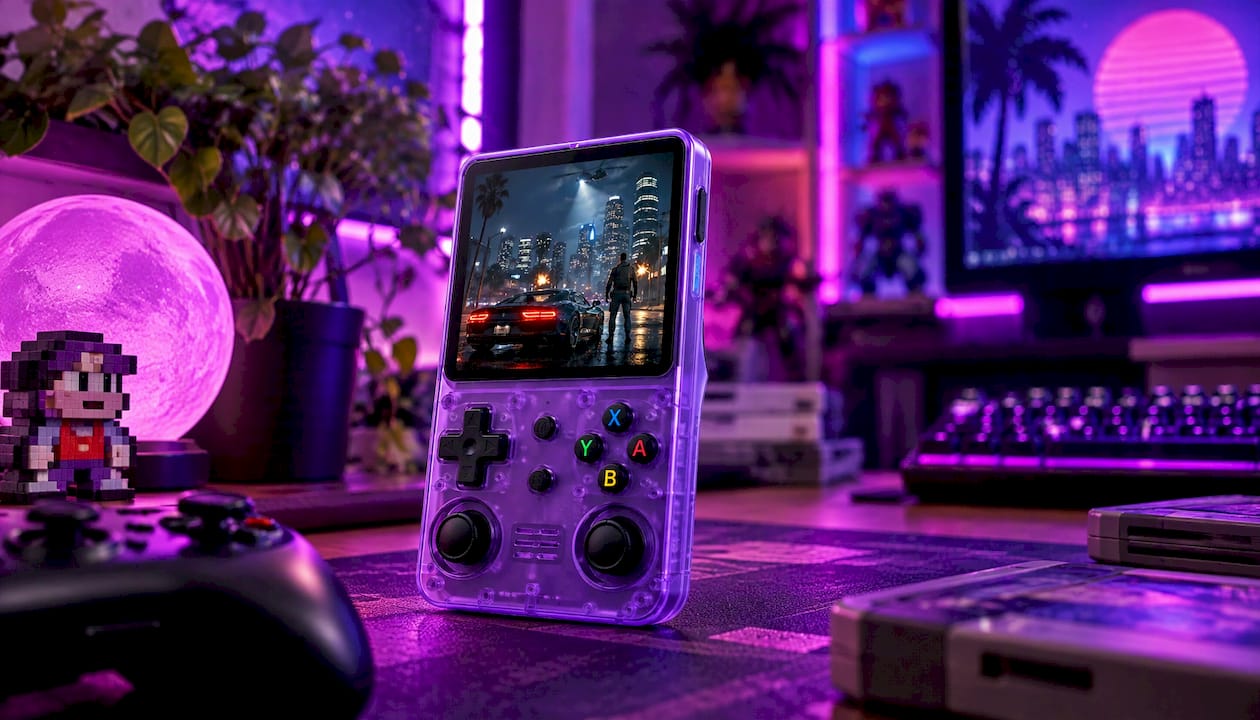
See the details and order on the Retro Pulse product page, or browse the full range on our homepage. It comes with a one-year warranty and 30-day returns, and ships from our U.S. warehouse.
FAQ
Are handheld emulators worth it in 2026?
Yes, if you want portable retro gaming. Current handhelds play classic games well, and reviewers at outlets like Polygon say almost any modern option is a good choice for older titles. The right pick depends on your systems, your budget and how much setup you’ll tolerate.
Are preloaded consoles worth it?
They are if you value time over tinkering. A preloaded handheld gives you a curated library and a ready-to-play experience, which suits parents, gift buyers and commuters. Look for real controls, a microSD slot for your own games and a clear warranty.
Are emulator games legal?
Emulator software can be legal to distribute, but downloading ROMs of commercial games from the internet violates U.S. copyright law, according to a University of Cincinnati journal article. Whether you may copy a game you own is unsettled. An intellectual property attorney can advise on your specific case.
What can a handheld emulator run?
NES, SNES, Genesis, Game Boy, GBA and arcade run on nearly everything, and PS1 is easy for most devices. N64, Dreamcast and PSP are better with analog sticks. PS2 and GameCube need a stronger chip, and PS3 and Xbox 360 are mostly out of reach.
Sources
- The Retroid Pocket 5 is the handheld I’ve been waiting for (Polygon)
- Review: Retroid Pocket Classic 6 (Time Extension)
- The best gaming handhelds for 2026 (Engadget)
- Miyoo Mini+ review (XDA Developers)
- Ready Player One: Video Game Emulation and the Law (University of Cincinnati IP and Computer Law Journal)
- Video Gaming Update (Skadden)