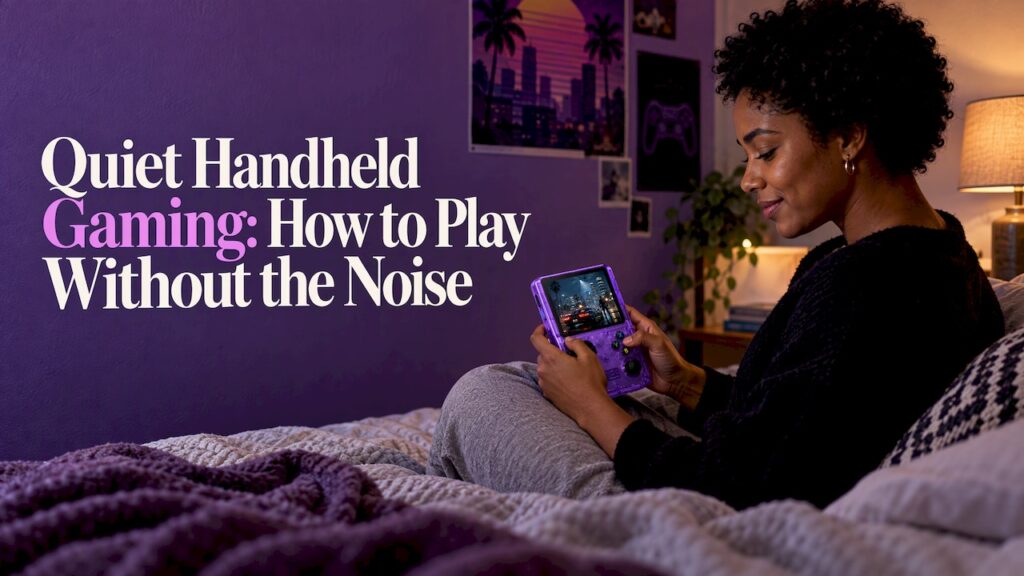
The quietest handheld is usually a simple one. Fan noise comes from powerful chips that run hot, and button noise comes from the switches under your thumbs. Retro handhelds run older games on modest hardware, so they avoid most of the first problem. They also give you a choice on the second. Below you will find what makes a handheld loud, how to compare devices, and how to play quietly on a train, in a shared room or late at night.
TL;DR
- Two things make a handheld noisy: continuous fan noise and the click of buttons. Fan noise is the bigger problem on powerful portable PCs.
- Retro handhelds don’t need large cooling systems or high-wattage chips, because the games they run are old and light.
- Rubber membrane buttons are the quiet choice. Microswitch buttons feel crisp but click louder.
- Lower brightness, a cooler spot and a frame rate cap all cut noise on any device.
- The Retro Pulse is built for offline, instant play of 15,000 classic games, with no downloads and no menu setup.
Table of Contents
- What actually makes a handheld loud
- Fan noise versus button noise
- Membrane or microswitch: which buttons are quiet
- Why retro handhelds tend to be the quiet option
- Our perspective
- How to play quietly: commuting, shared rooms and bedtime
- What to check before you buy a quiet handheld
- Retro Pulse: classic games without the fuss
- FAQ
- Sources
What actually makes a handheld loud
When people search for a quiet handheld, they usually mean one of three sounds.
The fan. This is a continuous hiss or whine, and it is the one that bothers people nearby. It starts when the processor works hard and heats up. Small bodies have little room to shed that heat, so fans speed up or the chip slows down, and you hear a whine or rush. If a device has no demanding workload, the fan has little reason to spin up.
The buttons. Every press makes a small sound. One press is easy to ignore. Hundreds of presses during a platformer or fighting game add up, especially in a silent bedroom.
The speakers. Volume is under your control, but a tinny speaker pushed to maximum on a bus is both annoying and hard to hear. That is a matter of how you play, and we cover it in the tips below.
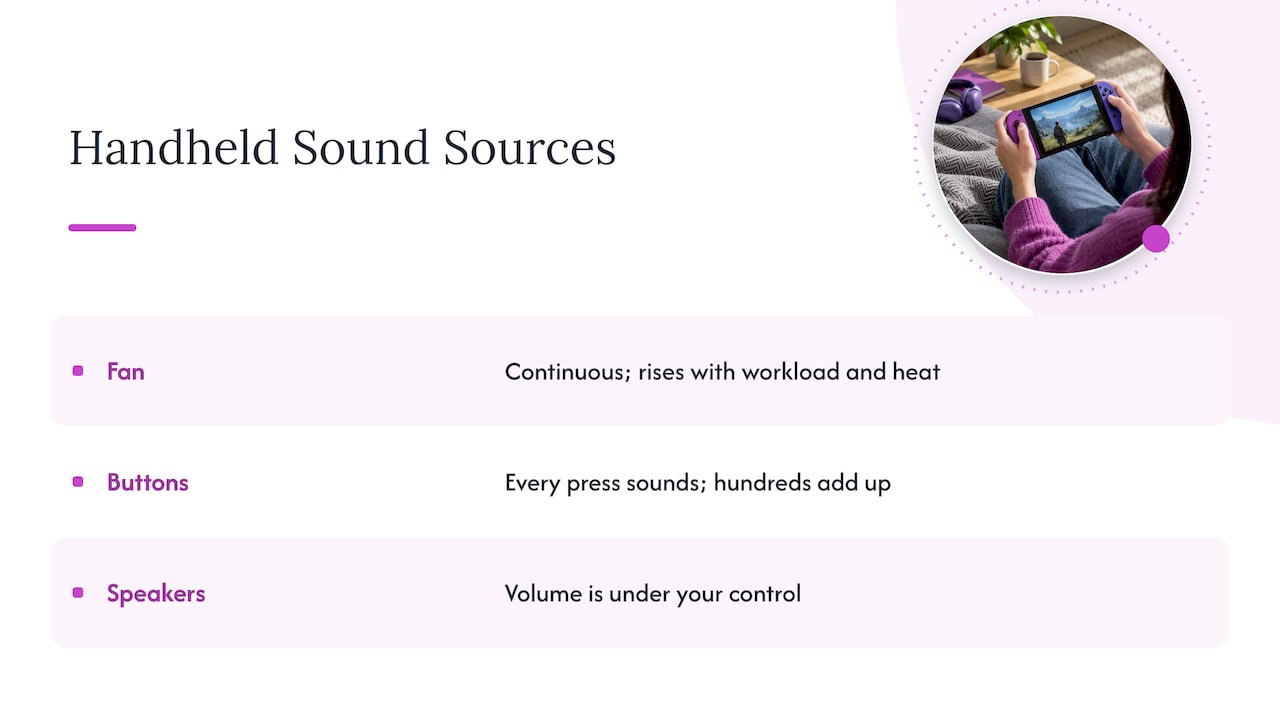
The first two are built into the hardware. You can only change them at the moment you buy, so they are worth understanding before you choose.
Fan noise versus button noise
These two kinds of noise behave differently, and reviewers describe them differently.
Button noise is intermittent. It happens when you press and stops when you stop. Fan noise is continuous and depends on the game’s workload, not on what your fingers are doing. A single device can be good at one and bad at the other. One 2025 review of a modern Android handheld called the buttons “surprisingly quiet” while the fans got very loud on max settings. That is the contrast to keep in mind: a device can feel silent in your hands and still be loud on your desk.
Fan noise also changes over a device’s life. When one major handheld PC maker released a redesign, reviewers noted that the fan was now whisper-quiet and the device ran cooler, even after draining the battery on an intensive game. That shows how much of the noise is a design choice and how much depends on what the chip is asked to do.
How loud is a button, really?
Buttons can be louder than you would guess. Game Informer measured a range of controllers years ago and found NES face buttons at 78 dB, a Dreamcast shoulder button at 87 dB and an Xbox One D-pad at 77 dB. Those readings were taken close to the controller, so the sound you hear across a room is lower. They still show that the loud, clacky feel many of us remember from childhood is real, and that quiet buttons are a design decision.
Membrane or microswitch: which buttons are quiet
The switch type under the button decides most of the sound.
| Button type | Sound | Feel | Best for |
|---|---|---|---|
| Rubber membrane | Soft, muted | Cushioned, slightly mushy | Night play, shared rooms, commuting |
| Microswitch (mechanical) | Distinct click on every press | Crisp, responsive | Solo play where noise does not matter |
| Silicone menu buttons | Nearly silent | Soft | Start, select and menu use |
Reviewers back this up. T3 called the rubber membrane D-pad and action buttons on a recent retro handheld “almost eerily quiet”. The same review noted the fan could be aggressive when the profile was pushed to play more modern titles. Another reviewer found that handheld’s cooling fan audible but not overly distracting during demanding games, with silent silicone menu buttons and clicky shoulder buttons.
The tradeoff goes both ways. Liliputing’s coverage of a modular handheld noted that the default rubber membrane buttons are quiet. The optional microswitch modules give “a nice responsive click” but were described as pretty noisy.
XDA Developers made a useful point about rapid play. Membrane buttons produce a barrage of membrane noise when you are mashing, while microswitches give a loud click per press but avoid that repeated membrane sound. So “quiet” depends on how you play. A slow puzzle game and a button-mashing fighter put different demands on the same switch.
Shoulder buttons deserve a separate check. On many handhelds they are clicky even when the face buttons are soft, which is the case in the review above. If you play with L and R triggers a lot, think about how often you will press them at night.
Why retro handhelds tend to be the quiet option
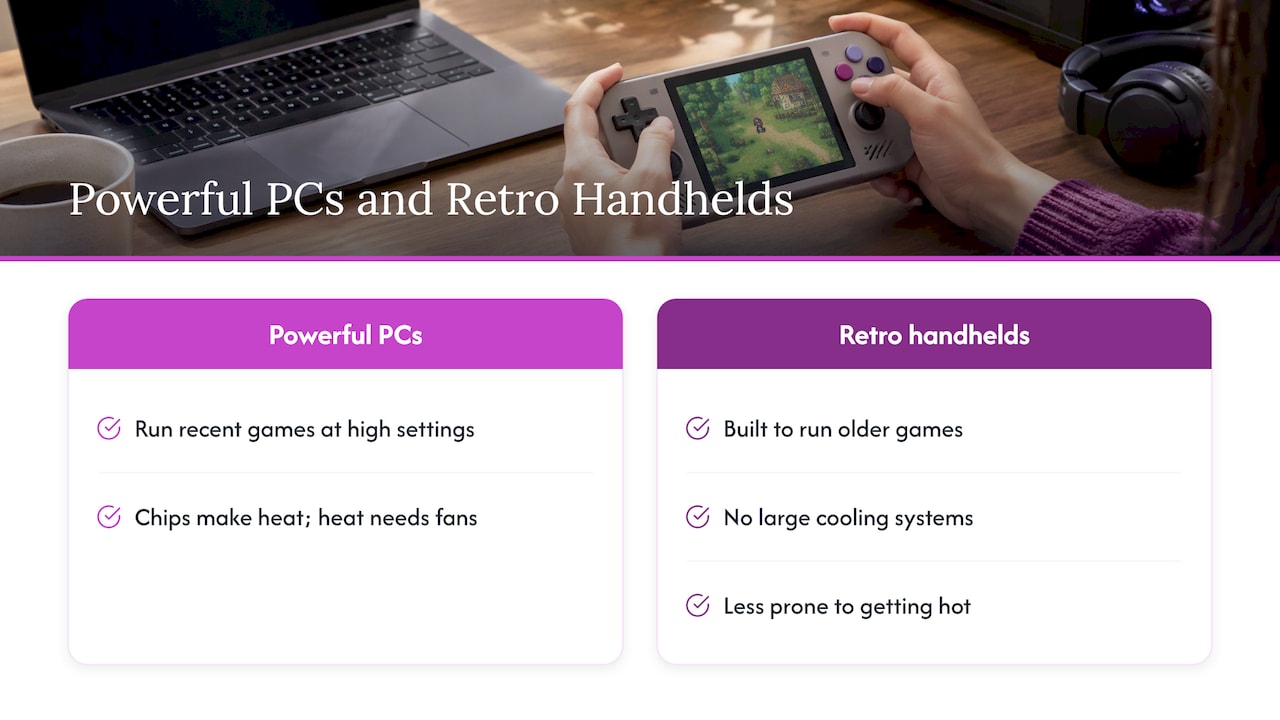
Powerful portable PCs are loud because they are powerful. A chip that can run recent games at high settings makes heat, and heat needs fans. Retro handhelds sit at the other end of that scale.
Business Standard explains that retro handhelds do not need large cooling systems, high-wattage chips or bulky batteries because they are built to run older games. That makes them generally less prone to getting hot in your hands and easier to carry for longer sessions. The same article argues that simpler machines often get the basics right more consistently for everyday handheld use.
This matters for the way most people use a quiet handheld. You want to pick it up, play a few levels of a 16-bit platformer or a quick arcade round, and put it down. You do not want to watch a temperature readout or tune a power profile first. A system whose job is classic games leaves nothing for the processor to struggle with.
If you are weighing a retro handheld against a modern console, our comparison of a retro handheld versus a Switch covers the cost of a big library versus per-game purchases. If you want to know how a handheld differs from a TV-based mini console, see mini console versus handheld.
Our perspective
We built Retro Ports around one idea: classic games should be easy to start and easy to put down. Most of the noise people complain about comes from complexity, such as chips pushed too hard, menus, downloads and updates. A device made for old games sidesteps a lot of that.
The Retro Pulse is an offline-first handheld. It ships with 15,000 games from more than 20 systems, including NES, SNES, Genesis, PS1, N64, Game Boy, GBA and Arcade, so you open it and play. There is no store to browse, no subscription and no background updating. That makes for a calmer experience in every sense, and it is the reason we call it distraction-free.
We also think quiet play is about more than decibels. A removable battery with 6 to 8 hours of life means you are not hunting for an outlet in a waiting room. A 3.5" IPS display means you can run it at a moderate brightness. Real controls, with a D-pad, twin sticks and L/R triggers, mean you are not tapping a glass screen. We tested and reviewed the device for quality, and we ship from a U.S. warehouse, so it arrives without a long wait.
If you want a handheld for the couch next to a sleeping partner, the back seat on a long drive or an evening with your kids, start with a library you already love and a device that stays out of your way.
Sean
How to play quietly: commuting, shared rooms and bedtime
Whatever handheld you own, a few habits keep it quiet. Most of them come down to asking less of the hardware.
On a train or bus
Heat builds fast in a sunny window seat. One guide describes a sunny-train case: moving to shade, capping the frame rate and removing the case dropped the device from 48°C to 40°C in 12 minutes and noticeably cut fan noise. You may not be on a train with a hot fan, but the idea carries over. A cooler device is a quieter device.
- Sit out of direct sun and keep the vents uncovered.
- Take the device out of a thick case if it feels warm.
- Lower the brightness. A small screen at moderate brightness is easier on the battery and on the cooling.
- Choose games that suit short sessions, such as arcade titles or 8-bit and 16-bit platformers.
In a shared room
The sounds that carry in a living room are clicks and speaker audio. If someone is reading or watching TV next to you, consider using headphones if your setup allows it, and keep the volume low. Sit with the device resting on your lap or a cushion, not on a hard table, so button presses do not echo through the surface.
Late at night
Quiet matters most in a silent house. Even a modest click sounds loud at 1 a.m. Some portable PCs offer a silent profile for this purpose. In one teardown, a handheld PC’s Silent Mode reduced noise to as low as 25 dB(A), described as allowing quiet gameplay late at night without disturbing others, while its high-performance mode increased airflow by 68%. If your device lacks that kind of mode, your best tools are a lower performance load and softer controls.
Settings that help on any handheld
The same guide that covers the sunny-train case lists the general measures: lower graphics settings, cap the frame rate at 30 to 60 FPS, use a power or battery saver mode, reduce brightness, close background apps, improve airflow and avoid insulating cases. It names lowering processing demand as the fastest way to lower temperature and fan noise.
Retro games already sit at the light end of that range. Old systems ran at fixed, modest frame rates, so there is little to cap. A library of classic titles is a natural fit for low-demand play.
What to check before you buy a quiet handheld
Use this checklist when you compare devices. It works for any handheld, and it is the order we would check in.
- Cooling. Does the device need a fan at all for the games you will play? If you only want classic systems, avoid paying for hardware designed for far heavier workloads.
- Face buttons. Look for membrane or rubber buttons if silence matters. Reviews that describe button sound in words, not just specs, are the most useful.
- Shoulder buttons. Check these separately. They are often clicky.
- D-pad feel. Classic games depend on it, and a soft D-pad is easy on the ears and the thumbs.
- Battery. A longer battery means fewer charging stops, and a removable one means you can carry a spare. See the 6 to 8 hours of life for the Retro Pulse below.
- Screen. A sharp small screen is easier to enjoy at low brightness. Our guide to retro handheld screen quality explains what matters, and 3.5 versus 4.0 inch screens covers 4:3 scaling.
- Setup. The less you configure, the less you fiddle. An offline library that is ready to play on day one fits quiet, short sessions.
- Controls for your games. If you plan to play 3D titles, our page on dual analog handhelds for N64 and PSP explains why sticks matter.
For a broader walkthrough of the category, see our retro handheld buying guide for 2026.
A note for parents
If you are buying for a child, quiet play is often a household rule: no noise during homework, a bedtime limit, or a shared car. A device that is ready to play with no downloads or subscriptions also means fewer purchases and fewer account decisions. Our retro handheld comparison for parents goes through what to look for. And if you are wondering whether your phone could do the same job, read phone emulation versus a handheld.
Retro Pulse: classic games without the fuss
The Retro Pulse is our handheld for people who want old favorites without setup. It comes preloaded with 15,000 classic games from over 20 systems, including NES, SNES, Genesis, PS1, N64, Game Boy, GBA and Arcade. It has a 3.5" IPS display, a real D-pad, twin sticks and L/R triggers, and a removable battery rated at 6 to 8 hours of play. It charges over USB-C and has dual microSD slots if you want to add more games.
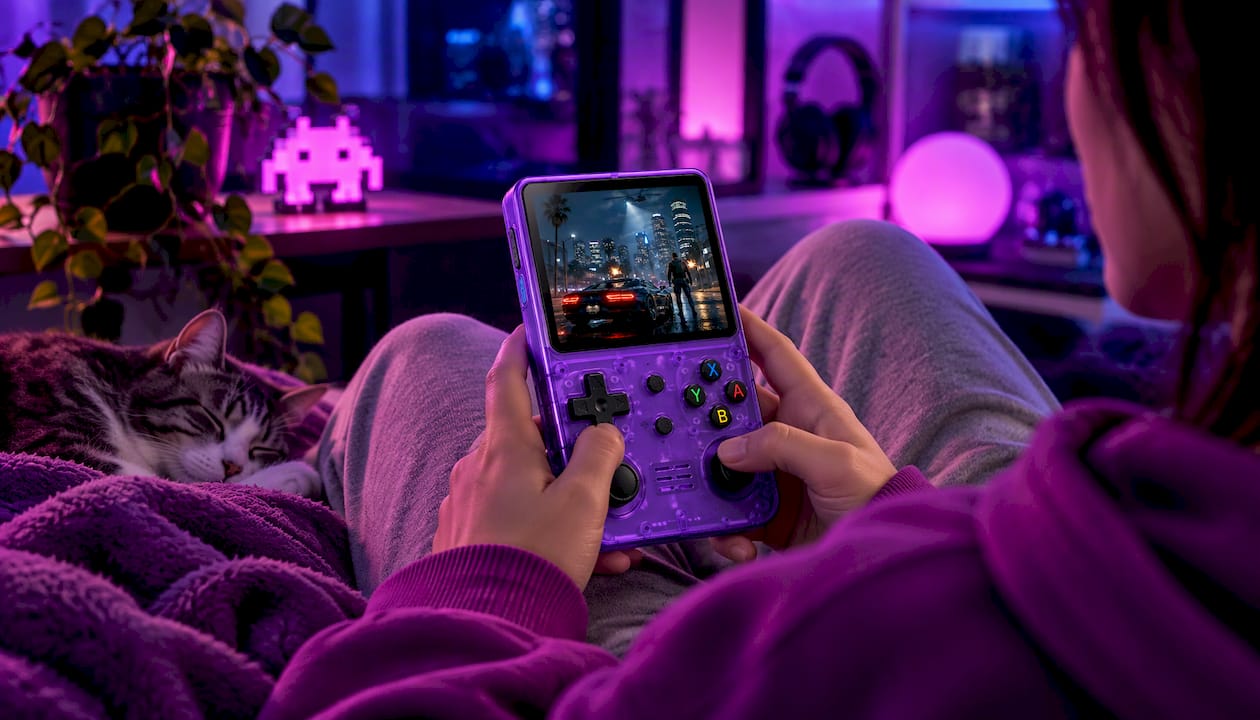
It works offline, so there is nothing to subscribe to and nothing to download. We ship from a U.S. warehouse and back every unit with a one-year warranty and 30-day returns. See the Retro Pulse product page for current details and pricing, or browse all handhelds in our store.
FAQ
Are handheld consoles loud?
It depends on the type. Powerful portable PCs can have loud fans under heavy load, while retro handhelds run lighter games and rarely need big cooling systems. Button noise is separate and depends on the switch type, with rubber membrane buttons being the quieter kind.
What makes buttons quiet on a handheld?
Rubber membrane buttons absorb the press and make a soft sound, while mechanical microswitches click on every press. Reviewers have described membrane D-pads and face buttons as very quiet, and microswitch modules as noticeably noisier. Shoulder buttons can still be clicky, so check them separately.
Can I play a handheld at night without waking anyone?
Yes, with a few habits. Choose a device with soft buttons, keep the volume low or use headphones if your setup allows, rest the device on a cushion, and keep the brightness down. Lighter games also keep fans, if there are any, from spinning up.
Why does my handheld get loud when I play?
Heavy games push the processor, which raises power draw and heat. In a small body, the fan has to speed up to move that heat out. Lowering graphics settings, capping the frame rate and playing in a cooler spot are the quickest ways to bring the noise down.
Is a retro handheld a good choice for commuting?
It is a natural fit. Retro handhelds are compact, tend to run cooler than powerful portable PCs, and suit short sessions. The Retro Pulse offers 6 to 8 hours from a removable battery and plays offline, so you do not need a connection on the way.
Sources
- Steam Deck OLED review, The Verge
- Which Controller Is The Loudest? Game Informer
- AYANEO Pocket ACE review, Android Authority
- Steam Deck button upgrade, XDA Developers
- Tips for Reducing Heat and Noise During Handheld Gaming, The Portable Gamer
- Konkr Pocket Advance full review, Gizmochina
- Konkr Pocket Advance review, T3
- Mangmi Pocket MAX now available, Liliputing
- Teardown of Lenovo Legion Go S, ChargerLAB
- Why retro emulation handhelds often make better gaming consoles on the go, Business Standard