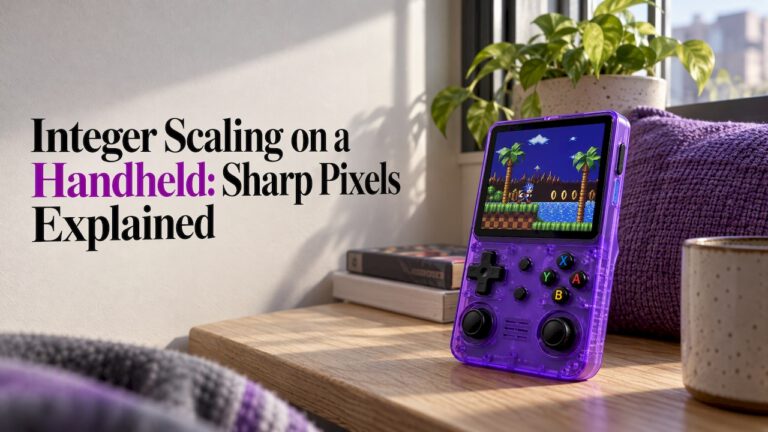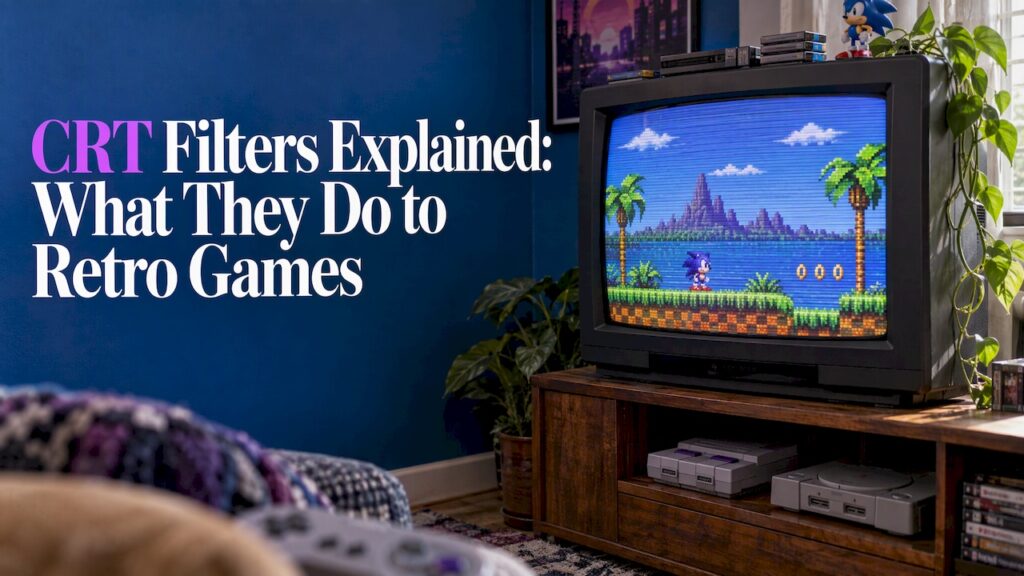
A CRT filter is a display effect that makes a modern screen imitate the old cathode ray tube TVs that retro games were built for. It adds scanlines (thin dark horizontal gaps between rows of picture), a soft glow around bright pixels and, in some versions, a gently curved frame. Whether you want it comes down to taste and to the game: it softens and warms the picture, while sharp pixels keep every edge crisp. The good news is that you do not need to pick blind. Once you know what each effect does, you can decide in a few minutes and then get back to playing.
This guide is for people who want the nostalgia without a weekend of tinkering: returning players, parents sharing childhood games, commuters, students and gift buyers. We keep the jargon out and explain each term the first time it appears.
TL;DR
- A CRT filter (also called a CRT shader, which is a small program that changes how each frame is drawn) imitates the look of old tube TVs: scanlines, glow, blur and sometimes curved edges.
- Old games were designed and tested on CRT televisions, so a filter can look closer to what the original artists saw. Sharp, unfiltered pixels look cleaner and more modern. Neither is wrong.
- If you use a filter, use integer scaling (enlarging the picture by whole numbers like 2x, 3x or 4x) so the scanlines stay even.
- Heavy filters need a strong graphics card. Light ones run fine on phones and small handhelds.
- Fast-reaction games such as precision platformers often read best with sharp pixels, while slower, atmospheric games suit a soft filtered look.
Table of Contents
- What a CRT filter actually is
- The effects, one by one
- Why old games can look “wrong” without a filter
- CRT filter or sharp pixels?
- Why yours might not look like your childhood TV
- Settings that matter most
- Which filter for which device
- How to apply a CRT filter on a PC emulator
- What this means on a small handheld screen
- Our view on CRT looks
- Ready to play without the setup
- FAQ
- Sources
What a CRT filter actually is
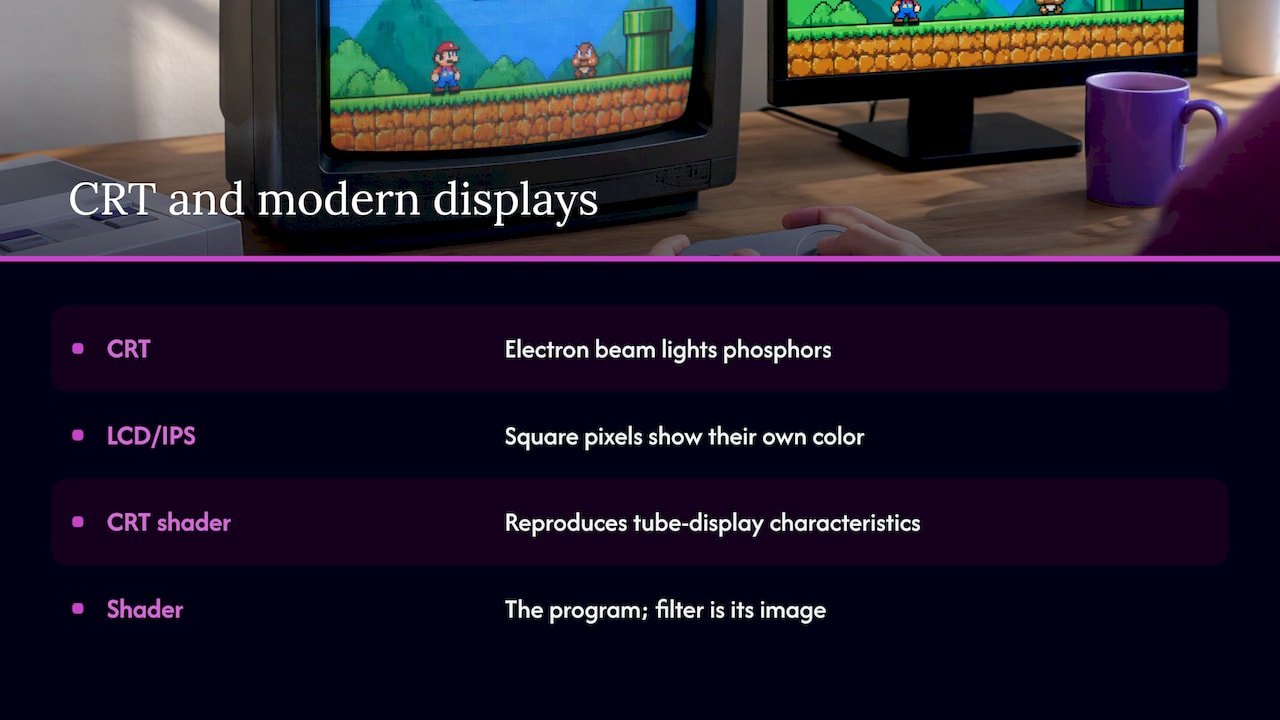
Before flat screens, every TV and computer monitor used a cathode ray tube: a glass tube that fired a beam of electrons at a coating of tiny glowing dots or strips called phosphors. The beam swept across the screen line by line, and the phosphors lit up and faded. That process gave the picture a particular texture that no flat panel produces by itself.
A modern LCD or IPS screen works differently. It has a grid of square pixels, and each one shows its own color in its own little box. When a game from the 1990s is drawn on that grid with no processing, you get a very crisp, blocky image that the original hardware never produced.
A CRT filter closes that gap with software. According to the Libretro documentation, CRT shaders try to reproduce characteristics of tube displays on modern hardware. Most include scanlines and often a phosphor mask effect with some blurring or blending. Some add interlacing or faux barrel distortion, and glow or halation variants add bloom that mimics the glow and internal reflections of a real tube.
The word “filter” and the word “shader” are used almost interchangeably by players. In practice, a shader is the technical name for the program, and a filter is what you see on screen.
The effects, one by one
Most CRT looks are built from a handful of ingredients. Knowing them lets you tell why one preset looks gentle and another looks harsh. The RetroTechLab guide lists the main ones, and we have put them in plain terms below.
Scanlines
The gaps between the glowing lines of a tube picture. They make the image look striped, with a darker rhythm between rows. Scanlines also darken the overall picture a little, which is why many filters come with a brightness boost.
Phosphor glow and bloom
On a real tube, each bright dot spills light onto its neighbors. Science Friday spoke with Dr. David Long, a Rochester Institute of Technology professor who has studied digital display systems for decades. He describes a “firefly glow” that bleeds into neighboring pixels, giving a painterly blend with soft edges, unlike LCDs where each pixel’s light stays in its own lane. That bleed also smoothed jagged edges naturally.
Curvature
Many tube screens bulged outward. Filters can imitate this with barrel distortion, which bends the picture edges slightly. It is the most cosmetic effect of all, and most people turn it down or off because it wastes screen space.
Chromatic aberration and interlacing
Chromatic aberration is faint color fringing at high-contrast edges. Interlacing artifacts come from the old method of drawing alternate lines in alternate passes. Both are subtle, and good presets keep them mild.
The phosphor mask
This is the pattern of dots or strips that makes up the picture up close. The technique behind it is surprisingly involved: the Cathode Retro documentation explains that a texture modeling the mask type is generated, curvature is emulated by casting rays against a sphere, and diffusion mimics light bouncing around in the imperfect front glass. Modern shaders are far more complex than the simple striped overlays of the past.
Why old games can look “wrong” without a filter
If you have ever fired up a classic game on a modern screen and thought it looked harsher than you remembered, you are not imagining it. RetroPie’s documentation notes that games look crisper by default than the original console-and-CRT output and may seem jagged and harsh. CRT emulation adds scanlines, bloom, analog-signal distortion and curvature to bring the feel back.
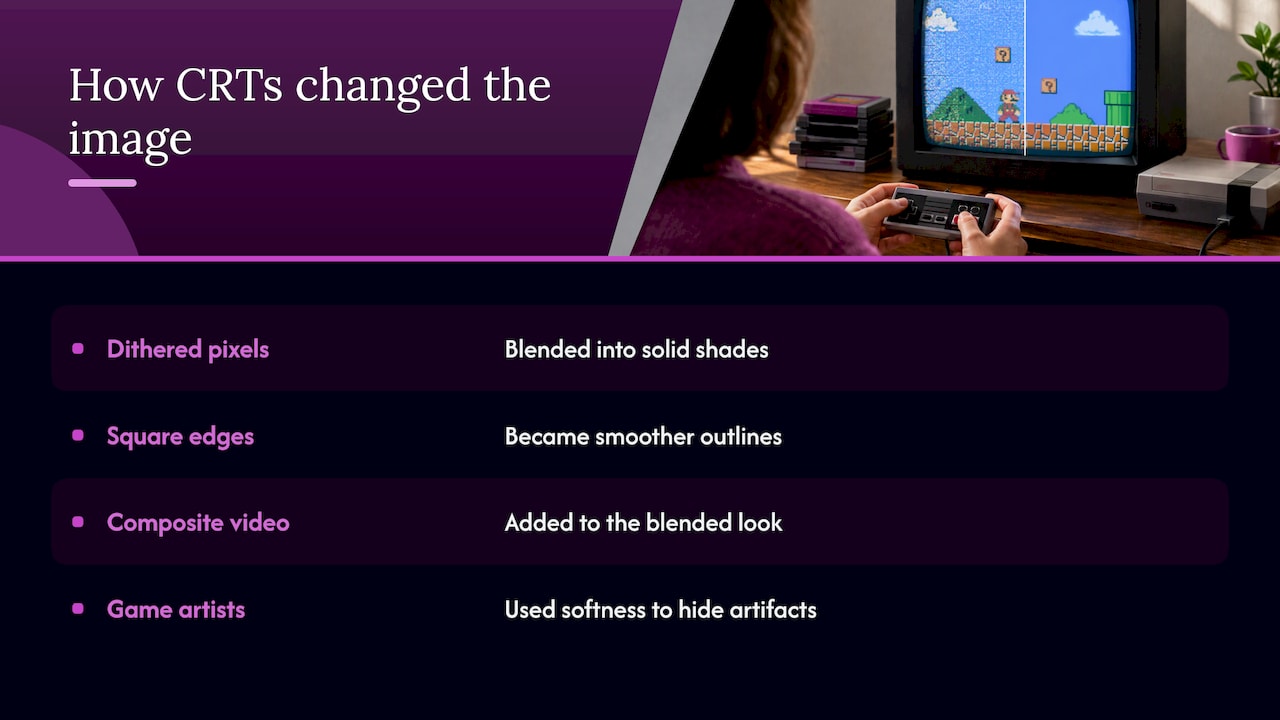
There is a creative reason too. Those docs point out that older games were designed and tested on CRT televisions, so the raw image an emulator produces is not necessarily what the artists intended. Polygon reported that on a real tube, dithered pixels (patterns of dots used to fake extra colors) blended into solid shades and sharp square edges became smoother outlines. Composite video, the most common connection for two decades, added to that blended look. Developers worked with the softness, using it to hide artifacting and to suggest detail at 240p.
So a CRT filter is partly about nostalgia and partly about fidelity to the display the games were made for.
CRT filter or sharp pixels?
Here is the honest trade-off, and it is a matter of taste rather than right and wrong.
| CRT filter | Sharp pixels | |
|---|---|---|
| Look | Soft, warm, glowing, striped | Crisp, clean, blocky |
| Best for | Atmospheric adventures, RPGs, arcade classics, nostalgia | Fast platformers, puzzle games, anything where exact edges matter |
| Brightness | A bit dimmer because of scanlines | Full brightness |
| Demands | Light to heavy, depending on the shader | Almost nothing |
A designer’s view makes the split clear. Thiago Almeida of Mystpixel argues that the choice is a trade-off between immersion and readability. Blur and glow can hide art inconsistencies and soften color banding. But a single-pixel spike can look thicker from blooming, and a small landing platform can shrink into scanline noise. For games that demand precise timing, he recommends sharp, integer-scaled pixels.
A practical rule: try the same game both ways for two minutes. If your eyes feel relaxed with the filter, keep it. If you are squinting at small details, switch it off. If you want to understand the sharp side better, our explainer on when to use nearest or bilinear scaling shows how to keep pixel art exact at 2x to 4x.
Bilinear smoothing, a simpler alternative, blurs pixel edges evenly. RetroPie’s documentation says it reduces pixelation at essentially no performance cost but gives a very soft image. It is not the same as a CRT look, because it adds no scanlines or glow.
Why yours might not look like your childhood TV
A common complaint is that a shader “doesn’t look like the TV I had.” The Emulation General Wiki has a likely explanation. Many shaders copy aperture grille tubes, the type used in Sony sets, which give sharp images and strong scanlines. Slot mask tubes had less noticeable scanlines, and old TVs usually had slot masks while monitors usually had shadow masks.
A quick test, if you still have an old set: aperture grille screens curve only horizontally, and the glass sides look straight. Slot mask glass curves on the sides too. If your childhood TV was a slot-mask set, a punchy aperture grille preset will look too sharp and too striped to you, and a softer, slot-mask-style preset will feel closer to home.
Settings that matter most
You can spend hours on dozens of sliders. Three choices do most of the work.
1. Use integer scaling
The Emulation General Wiki advises integer scaling (windowed x2, x3, x4, or the integer scaling video option) with CRT shaders, because scanlines that are not scaled by whole numbers come out uneven and full of artifacts. If the enlarged picture does not quite fit your screen, integer overscaling fills it and crops a sliver. For example, at 1080p a 256×224 SNES game scales to 5x, which is 1280×1120 and cuts 20 pixels at the top and bottom. That loss is usually negligible, since real CRTs overscanned that area anyway.
2. Match the mask to your resolution
The same wiki suggests an aperture-grille shader at 1080p because it is easier to emulate, and higher resolutions such as 4K for slot or shadow masks, which need more pixels to draw convincingly. On a small screen, a simple scanline effect is usually enough.
3. Keep it gentle
Start with low scanline intensity and mild glow. You can always add more. Heavy curvature and strong bloom look dramatic in screenshots but tire your eyes in a real play session.
The developers of Cathode Retro describe why this balance is hard. They use a particular downsampling method for the mask to trade sharpness against aliasing, and they integrate the scanline wave over a wider interval at smaller resolutions to suppress moiré, the shimmering interference pattern that low-resolution screens otherwise show.
Which filter for which device
CRT shaders range from featherweight to extremely demanding. This is the single biggest reason a filter that looks great on one device stutters on another.
| Shader | Weight | Good for |
|---|---|---|
| ZFast CRT | Extremely light | Very low-end hardware and handhelds |
| CRT-Easymode | Light | Beginners, laptops, simple settings |
| CRT-Geom | Light to moderate | Configurable aperture grille look |
| CRT-Lottes | Moderate | A good all-round look at 1080p |
| CRT-Royale | Very heavy | A strong PC with a discrete graphics card and a high-resolution monitor |
The descriptions of the lighter options come from the Emulation General Wiki. For the heavy end, StealthOptional notes that CRT-Royale needs a discrete Nvidia or AMD graphics card and a monitor of at least 1440p for decent slot mask detail, with 4K or higher recommended.
For low-powered hardware, Libretro’s documentation describes crt-blurpi as a lightweight shader built to run at full speed on Raspberry Pi hardware and low-resolution screens of 640×480 or less. It draws scanlines to match the screen resolution rather than the game resolution, which avoids aliasing and moiré, and it comes in a sharp variant for integer scaling and a soft one for non-integer scaling.
On iPhone and iPad, the Provenance EMU wiki lists four built-in CRT filters, from Simple CRT, rated low impact on performance, to Complex CRT, Mega Tron and ulTron, rated low to medium. Heavier multi-pass shaders are rated medium to high.
If you are running shaders on a Windows PC and the picture stutters, a few system tweaks can help. This overview of NVIDIA performance settings covers what to change and what to leave alone.
How to apply a CRT filter on a PC emulator
If you play on a computer with RetroArch, the steps below follow this setup guide, and menu names can shift slightly between versions.
- Turn on integer scaling. Go to Settings, then Video, then Scaling, and enable Integer Scale. Doing this first keeps the lines even.
- Set the aspect ratio to Core Provided. This keeps each system’s native proportions, so the picture is not stretched.
- Load a shader. Open the Quick Menu, choose Shaders, and load a CRT preset that suits your hardware. The guide rates crt-easymode as low cost for laptops and handheld PCs, crt-lottes as moderate and a good 1080p default, and crt-guest-advanced and crt-royale as costly options for 1440p and 4K screens.
- Save it. Store the choice as a core preset so every game on that system opens with the same look.
That is four steps per system, and it assumes you have already installed the software, found the games and set up the controller. For many people that is exactly the hassle they wanted to skip. If you are weighing it up, our comparison of phone emulation versus a handheld lays out the difference.
What this means on a small handheld screen
Screen size changes the answer. On a 3.5-inch display held at arm’s length, scanlines are tiny and the glow effect is subtle, so the choice between filtered and sharp matters less than the quality of the panel and the scaling. Brightness, viewing angle and proportion count for more. Our pages on what matters in retro handheld screen quality, why 4:3 scaling beats diagonal size and fixing handheld screen brightness walk through each.
Brightness deserves a special mention. Because scanlines darken the image, a filtered picture needs more backlight. That is one more reason to check your brightness settings before judging any filter.
Our view on CRT looks
We love the CRT look and we understand why people chase it. Those soft edges and that glow are part of how these games felt the first time around.
What we see in the retro world is that the look is only half the story. The other half is getting from “I want to play Super Mario World” to actually playing it. Installing software, finding game files, mapping controls and tuning shaders is a hobby of its own, and a lot of players just want the game.
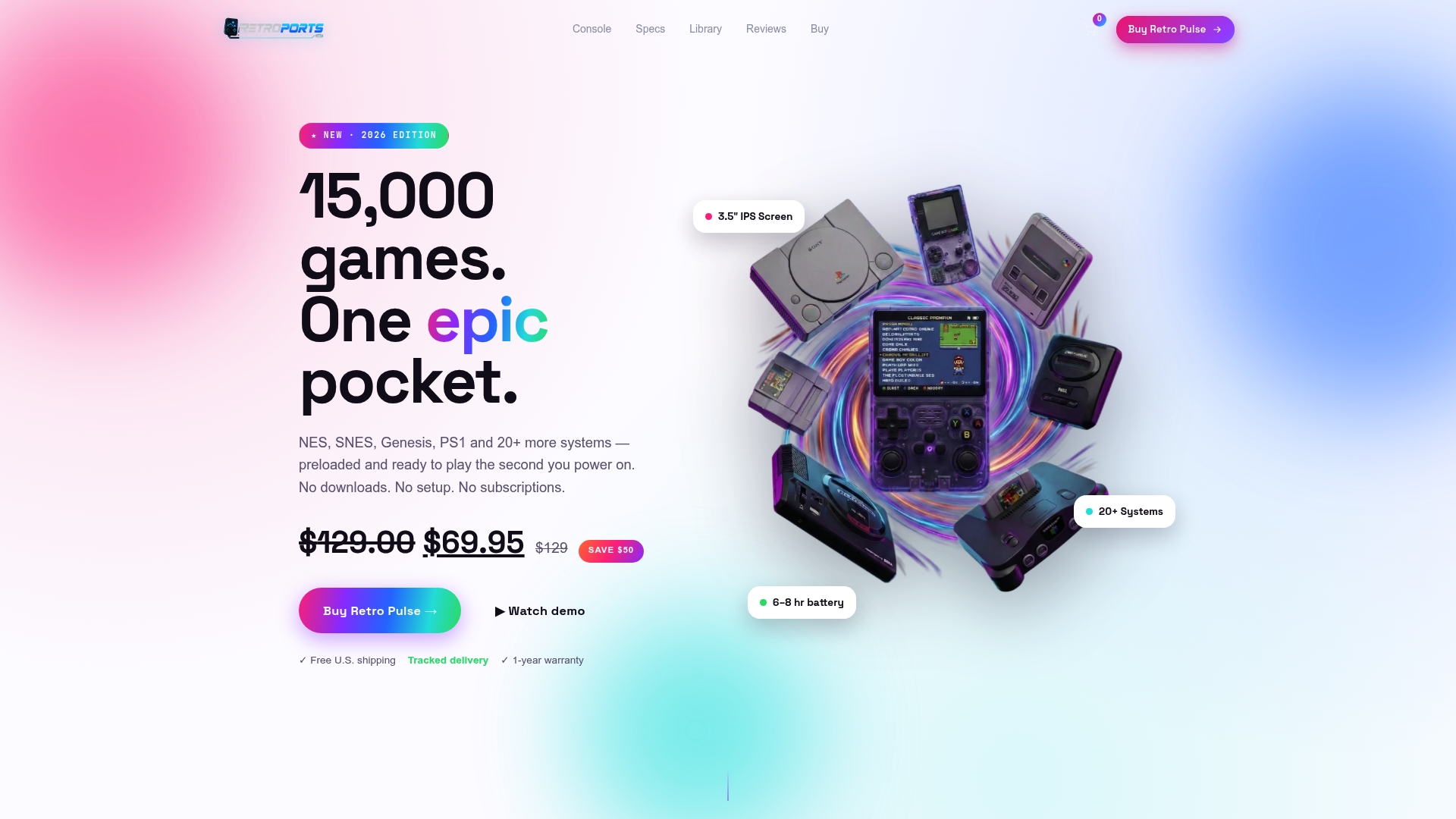
That is why we built the Retro Pulse the way we did: preloaded with 15,000 classic games from over 20 systems, including NES, SNES, Genesis and PS1, and ready to play instantly without menu setup, downloads or subscriptions. It has a 3.5-inch IPS display, real D-pad, twin sticks and L/R triggers, and a removable battery rated for 6 to 8 hours of play. It works offline, so the picture and the game are all you deal with.
If you enjoy tuning your picture, there is a lot to explore, and the sections above give you a solid starting point. If you would rather hand the setup to someone else and start playing, that is what we designed the Retro Pulse for.
Sean
Ready to play without the setup
If you read this far and thought “I just want to play the classics,” the Retro Pulse is our answer. It arrives preloaded with 15,000 games from more than 20 systems, charges over USB-C, ships from a U.S. warehouse and comes with a one-year warranty and 30-day returns. Two microSD slots let you add more games later, and our guide to adding games to a retro handheld shows how. You can see it on the Retro Pulse product page.
Buying it as a gift? Our retro handheld comparison for parents and beginner game list help you start a child off on the right foot.
FAQ
What does CRT stand for?
CRT stands for cathode ray tube, the glass display technology used in televisions and monitors before flat panels. A beam of electrons draws the picture line by line on a phosphor-coated screen. A CRT filter imitates the look of that process on a modern display.
What is the most realistic CRT filter?
The most demanding shaders, such as CRT-Royale, aim for the closest match and are best on a strong PC with a high-resolution monitor. Realism also depends on which tube you remember: aperture grille and slot mask sets looked different. Lighter shaders like CRT-Lottes or CRT-Easymode give a convincing look with far less strain.
Is a CRT better than an OLED screen?
They are different, not ranked. A tube gives a soft, glowing, naturally blended image and the look classic games were built around. An OLED gives deep blacks and crisp detail. A filter on a modern screen is how most people get the CRT feel without keeping a bulky old set.
Do CRT filters slow games down?
They can, depending on the shader and the device. Light options such as ZFast CRT are made for very low-end hardware and handhelds, while multi-pass shaders like CRT-Royale need a powerful graphics card. If a game stutters, switch to a lighter shader before anything else.
Should I use a CRT filter on a handheld?
It is a matter of taste. On a small screen the effect is subtle, and fast, precision-based games often feel clearer with sharp pixels. Try a game both ways for a couple of minutes and keep whichever looks better to you.
Sources
- crt – Libretro Docs
- Cathode Retro Docs
- Shaders and filters – Emulation General Wiki
- Best CRT Filters and Shaders for Authentic Retro Gameplay
- Shaders and Smoothing, RetroPie Docs
- Pixel Art Conjures Nostalgia For A Screen Look That Didn’t Exist, Science Friday
- Playing games on my ancient TV connects me to the present, Polygon
- CRT Shaders vs. Sharp Pixel Scaling, Mystpixel
- Best CRT filters for emulators, StealthOptional
- Screen Filters & Shaders, Provenance EMU
- RetroArch Setup Guide: Cores, Shaders and Controllers
- NVIDIA Performance Settings: What to Change and What to Skip