Preloaded consoles can be safe, but it depends entirely on where the games come from. Devices built around licensed manufacturer libraries or clearly sourced emulation are fine; bundles stuffed with unlicensed ROM dumps raise real legal exposure under guidance from the U.S. Copyright Office. Before buying, weigh three risk categories: legal standing, digital safety (malware and firmware), and physical reliability (storage and battery). We built Retro Pulse around a curated, warrantied approach to all three.
TL;DR:
- Section 117 permits archival copies only of software you already own; it does not authorize sellers to distribute copies separately.
- Back up the included microSD card immediately, then replace it with a reputable card; failure can stop startup when the system boots from storage.
- Install firmware only from the manufacturer’s official source; unknown custom firmware may contain malicious code, and tampered consoles may lose online service access.
- Claims of 10,000 games may count duplicates, broken files, and regional variants, so prioritize a curated library that supports legally sourced additions.
- Buy from the manufacturer or an authorized retailer, and verify written warranty and return terms before checkout, especially when licensing details are unclear.
Table of Contents
- How copyright and licensing law apply to preloaded consoles
- Firmware, emulator code, and malware risks on these devices
- Why included microSD cards and cheap storage fail
- What’s really inside “10,000 games” bundles
- Step-by-step buyer checklist to minimize legal and technical risk
- Why a vetted, warrantied option matters
- Security of wireless connectivity on preloaded consoles
- Data privacy concerns with user data on these devices
- Compatibility issues with modern TVs and peripherals
- Battery safety and best practices for charging and replacement
- A practical verdict on preloaded console safety
- Buy Retro Pulse: product page and ordering guidance
- FAQ
- Sources
How copyright and licensing law apply to preloaded consoles
Buying a handheld with games already loaded on it is not automatically illegal, but it depends on where those games came from. A manufacturer that licenses its library, or a device preloaded with public domain or homebrew titles, is on solid legal ground. A device loaded with copyrighted ROMs the seller never licensed is distributing unauthorized copies, and that is a copyright violation.
A common defense sellers invoke is the idea that ROMs are just “backup copies.” That argument does not hold up. Per the U.S. Copyright Office, Section 117 lets an owner make an archival copy of software they already legitimately own, but it does not authorize selling or distributing that copy to anyone else, separate from the original.
Sellers carry most of the legal exposure for distributing unlicensed ROM bundles, according to a legal Q&A on buying consoles with built-in games.
Before buying, check for:
- A clear statement of what’s licensed versus community-sourced or homebrew content.
- Whether the seller is an authorized retailer or the manufacturer itself.
- A real warranty and return policy backing the purchase, not just a marketplace listing.
Firmware, emulator code, and malware risks on these devices
Emulator software may be legitimate, but check the software and its source before installing it. The risk comes from what gets bundled alongside it: unverified firmware, modified system files, or ROM packages pulled from unmoderated sources. A reviewer who tested several of these handhelds found that “ready-to-play” bundles often hide real costs, including unverified emulators that may be poorly optimized or contain malicious code.
Platform vendors also police hardware integrity on their own networks. Microsoft, for example, uses hardware attestation to block modded Xbox consoles from Xbox Live, cutting off online features even when no one faces criminal liability. That same enforcement logic applies broadly: tampered or custom-firmware devices can lose access to online services without warning.
To reduce exposure:
- Only install firmware updates from the manufacturer’s official source.
- Avoid devices that require installing unknown custom firmware to function properly.
- Keep your original purchase record so you can claim warranty service if something breaks.
Pro Tip: Check the manufacturer’s support page for firmware files before you ever plug the device into your computer. If updates only exist on forums, treat that as a warning sign.
Why included microSD cards and cheap storage fail
A potential weak link in a preloaded handheld is the microSD card bundled with it. Enthusiasts and reviewers alike report that many of these devices ship with generic, high-failure-rate microSD cards that can corrupt game data within months.
If the operating system boots from the card rather than internal storage, a card failure could affect the console’s ability to start.
Protect yourself with these steps:
- Back up the original microSD card’s full folder structure the day it arrives.
- Replace the included card with a name-brand option, such as SanDisk or Samsung.
- Format the new card correctly for your device and copy files back in the original structure.
- Repeat backups periodically, especially after adding new content.
Pro Tip: Label and store your original backup card separately. If your replacement card ever fails, you can restore from it instead of starting over.
What’s really inside “10,000 games” bundles
Big numbers sell consoles, but inflated library counts rarely mean 10,000 distinct, playable games. Reviewers point out that marketing claims like this often pad the count with duplicates, unplayable ROMs, regional variants, and low-quality homebrew that clutter menus rather than add value.
This filler creates real usability problems beyond disappointment:
- Duplicate versions of the same game bloat menus and slow navigation.
- Text-only or region-locked builds may be unplayable for English-speaking buyers.
- Poor file naming makes it hard to find the games you actually want.
- Corrupted or incomplete ROMs can crash the emulator mid-session.
A curated, properly organized library beats a padded list of 10,000 entries. Look for devices that let you add your own legally sourced files too, so you aren’t stuck with whatever filler came preloaded.
Step-by-step buyer checklist to minimize legal and technical risk
Reducing risk on a preloaded handheld comes down to what you check before, during, and after the purchase.
Before buying:
- Choose a manufacturer or authorized retailer over an anonymous marketplace listing.
- Confirm a written warranty and return policy exist before checkout.
- Look for a clear licensing statement describing where the game library comes from, since sellers and manufacturers carry the primary legal burden for unlicensed distribution.
On delivery:
- Inspect the packaging and included microSD card contents before heavy use.
- Create a full backup of the original card’s file structure immediately.
- Check for firmware update availability through official channels only.
After purchase:
- Swap the included card for a name-brand microSD card.
- Register your warranty and keep the purchase receipt somewhere safe.
- Update firmware only from the manufacturer’s own site or app.
A device that fails any of these checks, especially a missing warranty or unclear licensing, is a signal to walk away before checkout rather than after.
Why a vetted, warrantied option matters
A console that clearly addresses licensing, firmware, and storage can reduce some of the guesswork described above. Retro Pulse ships with a curated library across multiple systems, including NES, SNES, and PS1. The offline-first design means gameplay never depends on an unverified network connection or background service.
A removable battery and microSD slots give you room to expand or swap storage without opening the case. Shipping from a U.S. warehouse, paired with a warranty, gives you recourse if something goes wrong. Check the terms before buying. When your Retro Pulse arrives, check the included specs, confirm your warranty registration, and back up or expand the storage right away.
Security of wireless connectivity on preloaded consoles
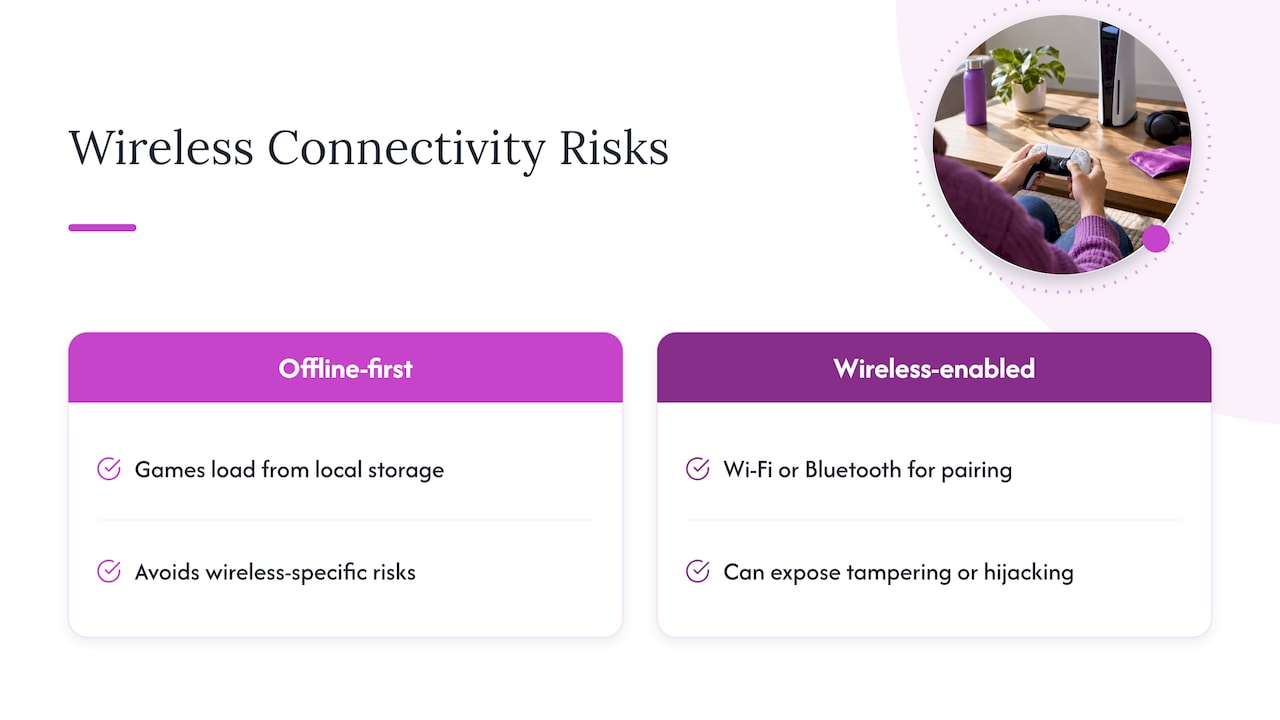
Not every retro handheld connects to the internet, and that is often a safety feature rather than a limitation. Devices with Wi-Fi or Bluetooth open a path for firmware tampering, account hijacking, or unwanted data transmission if the connection is not properly secured. A handheld with no wireless stack avoids risks tied specifically to wireless connections.
For devices that do include wireless features, usually for controller pairing or file transfer, check a few things before relying on them. Confirm pairing requires a physical action, like a button press, rather than connecting automatically to any nearby device. Avoid consoles that ask you to join unfamiliar Wi-Fi networks just to load games, since this isn’t necessary for a library already stored on the device.
An offline-first handheld sidesteps most of these concerns entirely. Games load from local storage, and gameplay doesn’t depend on an online connection. That design choice trades always-on connectivity for a smaller, more predictable risk profile, which matters most for buyers who just want a device that works the same way years from now as it did on day one.
Data privacy concerns with user data on these devices
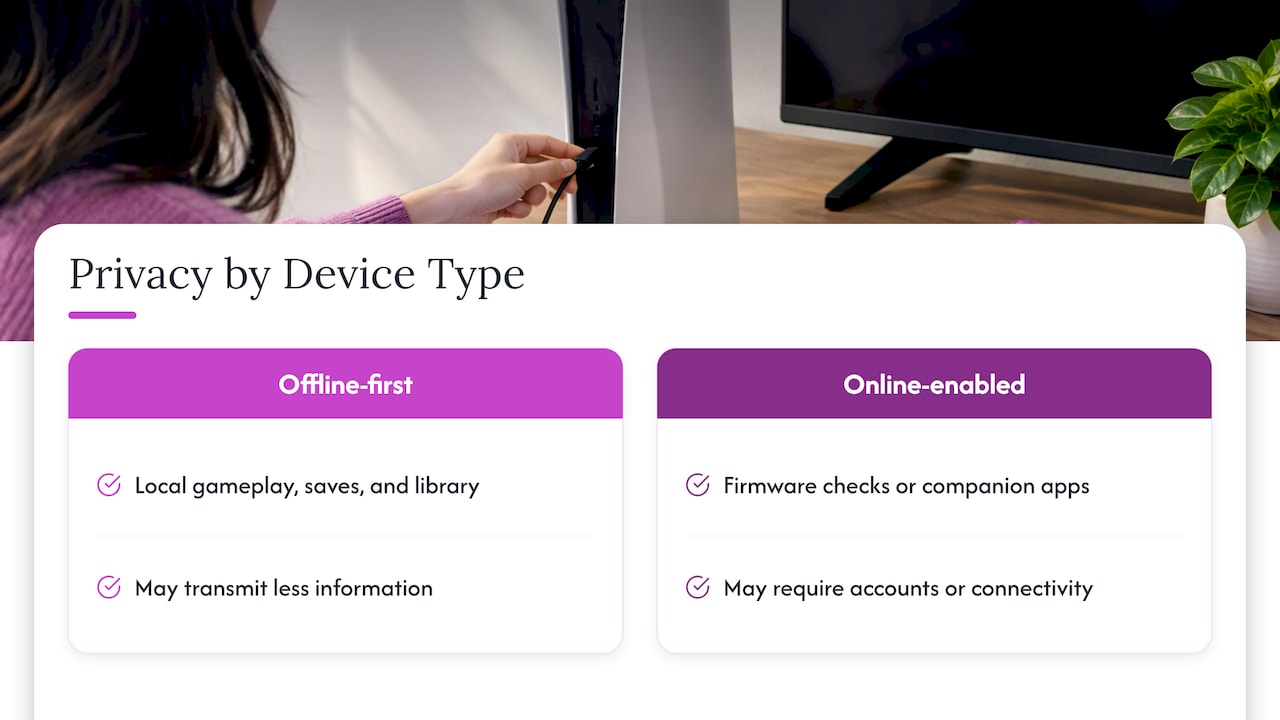
A dedicated retro handheld may collect less personal data than a phone or a modern console tied to an online account, but check the device’s privacy information. Some devices may not require a profile or sync a friends list, but check the manufacturer’s privacy information for details about data collection. That is a meaningful advantage if you are buying this type of device specifically to avoid the data collection built into mainstream gaming platforms.
Still, it is worth checking what a specific device actually does before assuming it collects nothing. If a handheld includes any online features, such as firmware update checks or companion apps, find out what information those features transmit and whether you can use the console fully with them turned off. A console that requires account creation or constant connectivity to function is working against the privacy benefits that make offline, preloaded devices appealing in the first place.
Offline-first devices avoid this question almost entirely. When gameplay, save data, and the library live locally on the device and its microSD cards, less information may be transmitted during normal use. Check the device’s privacy information to confirm.
Compatibility issues with modern TVs and peripherals
Retro handhelds are built around compact IPS displays, but many also support outputs to a television or external monitor. Before buying, check what video output the device actually supports, since older composite or non-standard connectors may not work with newer TVs that lack the right inputs or require an adapter you’ll need to buy separately.
Controller and peripheral compatibility deserves the same scrutiny. A handheld with a real D-pad, twin sticks, and shoulder triggers built in avoids the need for an external controller altogether, which sidesteps pairing issues and driver compatibility questions common with Bluetooth accessories. If you do plan to connect external controllers or a dock, confirm the console supports standard USB or Bluetooth peripherals rather than a proprietary connector that limits your options later.
Charging and data cables matter too. A device using a standard USB-C port, for charging and for transferring files to and from a microSD card, is far easier to support long term than one requiring a specialty cable that stops being sold a few years after launch.
Battery safety and best practices for charging and replacement
A removable battery can make replacement more straightforward than a sealed design. If the battery degrades, a removable design may let you replace that part instead of replacing the whole device.
A few habits extend battery life and reduce risk regardless of which device you own. Charge using the cable and power adapter that came with the device, or a reputable USB-C replacement, rather than an unbranded charger of unknown quality. Follow the device manufacturer’s battery-care guidance, since charging practices can vary by device.
Watch for warning signs like a battery that feels warm during normal charging, a case that bulges slightly, or a charge that drains far faster than it used to. If you notice any of these signs, stop using the device and seek guidance from the manufacturer or a qualified repair professional. A console with a removable battery and a warranty may offer a way to address that kind of problem. Check the warranty terms and seek manufacturer guidance.
A practical verdict on preloaded console safety
The honest answer is that most of the risk in this category comes from sourcing, not from the concept itself. A curated, licensed handheld is a reasonable purchase; an anonymous bundle promising an enormous library at a very low price deserves scrutiny.
If you’re buying one, do three things first: verify the seller’s licensing claims and return policy, back up or replace the included storage immediately, and confirm the warranty terms in writing before you need them.
— Sean
Buy Retro Pulse: product page and ordering guidance
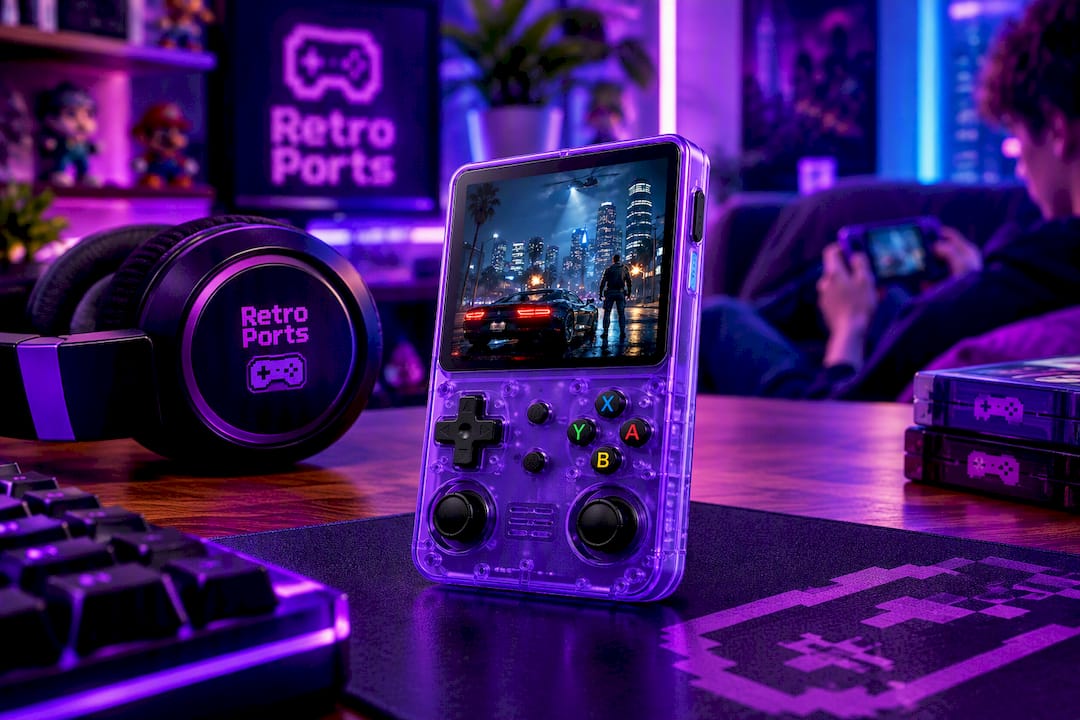
If you want a handheld that addresses the risks covered above without the guesswork, check out the Retro Pulse product page for full specs, warranty terms, and ordering details. We ship from a U.S. warehouse and offer a warranty and returns, so check the terms for recourse if anything arrives damaged or not as described.
Before you check out:
- Review shipping timelines and the return window for your order.
- Register your warranty as soon as your Retro Pulse arrives.
- Back up the included microSD card and expand storage using the dual card slots on day one.
FAQ
Can I trust pre-owned consoles from secondhand retailers?
A pre-owned console from a reputable secondhand retailer with a clear return policy is generally safer than an anonymous marketplace listing, since you have recourse if the device is faulty or misrepresented. Always check the retailer’s specific return window and condition guarantees before buying, since these vary by seller.
Are handheld consoles like the R36s legal to own?
Owning a retro handheld device is not illegal on its own; the legal question centers on whether the preloaded game library was licensed. Per a legal Q&A on built-in game consoles, distributing unlicensed copyrighted games is a violation, and buyers who knowingly purchase pirated content can face some risk.
What should I look for in a safe preloaded game console?
Look for a curated library with clear licensing, a real warranty and return policy, and name-brand storage rather than unbranded microSD cards prone to failure. A device with offline-first operation may reduce exposure to online account requirements. Retro Pulse comes with a warranty and ships from a U.S. warehouse.
Is it illegal to own a jailbroken or modded console?
A modded console may lose access to online platform features. Check the platform terms and manufacturer warranty for details. Vendors like Microsoft use hardware attestation to block modded consoles from online services, so you risk losing online features even without facing legal action.
Sources
For formal legal or technical questions, consult these primary sources directly rather than relying on summaries:
- Q: is it legal to buy a game console with built-in games on it. Is that infringement or violating copyright laws
- Copyright and Digital Files (FAQ) | U.S. Copyright Office
- Here’s why I never buy retro gaming handhelds with pre-loaded games