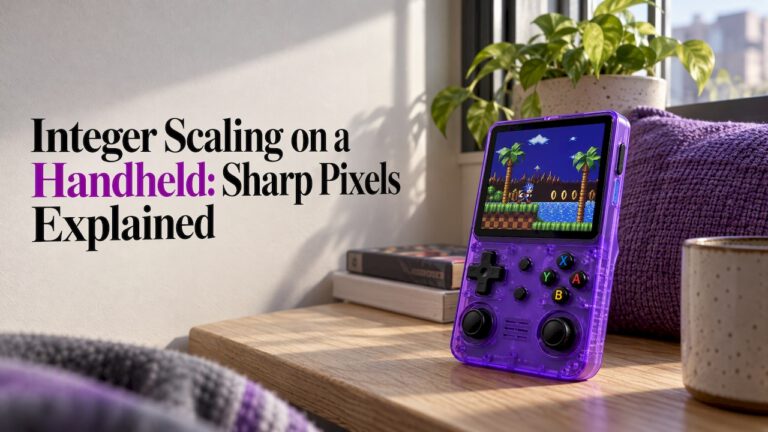
You can legally add games to a retro handheld by loading only files you have the right to use. That means games from the copyright owner or a licensed service, public-domain works, and homebrew or freeware whose creator allows it. Downloading ROMs of commercial games from random sites is infringement in the US, even if you own the original cartridge. Below is what each category means, how to organize what you add, and what “curated” really tells you about a game library.
TL;DR
- Safe additions: games you buy from licensed stores, public-domain titles, and homebrew or freeware released with the creator’s permission.
- Owning a cartridge or disc does not give you the right to download someone else’s ROM of it.
- Most commercial games are assumed to be protected by copyright unless clear information says otherwise.
- A curated library is a deliberately chosen, easy-to-browse selection, and curation alone does not change a game’s legal status.
- Retro Pulse has dual microSD slots, so you can keep your own legally obtained additions separate from the games already on the device.
Table of Contents
- What “legal” means when you add games
- Does owning the cartridge let you download a ROM?
- What you can add with confidence
- How to add, organize and remove games on a handheld
- What a “curated” game library actually means
- What is a curated ROM set?
- Why preloaded handhelds raise questions, and how to buy well
- A quick checklist before you add any game
- Perspective
- Ready to play without the setup
- FAQ
- Sources
What “legal” means when you add games
The confusion starts with the hardware. An emulator, the software that mimics an old console, is not illegal by itself. A law firm’s overview of video game emulation makes the same split: emulators are not the problem, while sharing or downloading game files for emulator use is generally illegal.
The files are where the law bites. The U.S. Copyright Office explains that downloading or uploading works protected by copyright without authority infringes the owner’s rights of reproduction and distribution. It also notes that, absent clear information to the contrary, most works should be assumed protected. A game from 1993 is still a protected work unless its owner has released it or its protection has ended.
So the practical test for every file you add is one question: do I have the copyright owner’s permission, directly or through a license, to put this on this device? If you can answer yes and point to where that permission comes from, you are on solid ground. If the answer is “it was on a ROM site,” it is not.
Does owning the cartridge let you download a ROM?
This is the most common belief, and it is the one that gets people into trouble. Owning the original does not turn a downloaded copy into a legal one. Someone else’s ROM file is a copy of a protected work that you did not make and were not authorized to receive.
The backup rule people point to is Section 117 of the Copyright Act. The Copyright Office describes it narrowly: it allows an archival copy of a computer program only if you legally own the copy, the copy is solely archival, and it is destroyed or transferred with the original when your rightful possession ends. The Office also cautions that Section 117 covers computer programs, not other copyrighted material, and says to check the original software’s terms. The statute itself, 17 U.S. Code § 117, adds that an additional copy may be made as an essential step in using the program with a machine, and used in no other manner.
What this means for you in plain terms:
- A backup rule is not a download rule. It never covers fetching a file another person made.
- Whether personal backups of your own cartridges are permitted depends on the specifics of the law and the game. If you are weighing that, talk with an attorney who handles copyright, not a forum thread.
- Preservation exceptions exist, but they are narrow. A legal update from Skadden notes that legal routes for ROMs tend to come from narrow exceptions, such as certain preservation work by eligible institutions, not from general personal use.
That is why we do not tell anyone to go find ROMs for games they already own. It is also why the simplest path for most players is the one in the next section.
What you can add with confidence
Four categories are clearly on the safe side. A careful approach is to use games that are officially provided, properly licensed, in the public domain, or backed up by you from media you own in ways the law allows.
Games from licensed stores and services
The most direct way to avoid infringement is to use authorized sources. Android Authority’s legal rundown lands in the same place: the best way to play retro games without breaking the law is physical games and authorized systems, or legally licensed digital stores and services. If a classic you love is sold again as a modern re-release or remaster, buying that version supports the people who made it, and the license is clear.
Public-domain works
Some software is in the public domain, meaning no one holds exclusive rights. These are far rarer than people hope. A game being old, abandoned, or no longer sold does not put it in the public domain. If you cannot find a clear statement that a work is free for anyone to use, treat it as protected.
Homebrew and freeware
Homebrew games are made by fans and independent developers for old systems, and many are released for free with the creator’s blessing. Always read the terms on the creator’s own page. Some are free to play but not free to redistribute, and some allow only personal use. Respecting those terms is the whole point.
Games you already hold a license for
If a publisher gives you a download tied to a purchase, such as a bundle or a collection you bought, that file is authorized for the use described in its terms. Keep the receipt or account record. It is your proof that you have permission.
How to add, organize and remove games on a handheld
The exact steps depend on the device, so follow the guide that comes with yours. The workflow below applies to handhelds that load games from a microSD card, like Retro Pulse with its dual microSD slots.
- Decide where each file comes from. Make a short note for every addition: a store, a creator’s page, or a purchase record. If you cannot name the source, do not copy it over.
- Use a dedicated card for your own additions. Keep your additions on their own microSD card so they stay separate from the games that came on the device. That makes it easy to see what you added and to take it out later.
- Organize by system. Handheld software generally expects games to sit in folders grouped by console, such as NES, SNES, Genesis or Game Boy. Check your device’s guide for the exact folder names it expects.
- Use clear file names. Name each game plainly, and keep any readme or license file the creator included in the same folder. For homebrew, that file is your record of the terms.
- Restart or refresh the game list. Most devices rebuild their list after a restart. If a game does not show, the usual cause is a wrong folder or an unsupported file type, not the card.
- Remove what you do not want. Deleting a file from your own card is as simple as adding it. Back up your saves first if the device stores them on the same card.
Our own walkthrough covers the practical side in more detail: how to add games to a retro handheld without a blank game list.
Card care basics
Use a name-brand microSD card from a reputable seller, format it as the device’s guide says, and eject it properly from your computer before pulling it out. Keep a second card as a spare if you add a lot, since the dual-slot design means you can keep a library on each.
What a “curated” game library actually means
You will see “curated” on nearly every preloaded handheld. The term is not regulated, so it helps to know what it should mean.
In plain use, a curated library is a deliberately chosen, manageable collection instead of an exhaustive dump. One enthusiast’s write-up on building a smaller collection describes selection by quality, historical importance, popularity, compatibility or personal interest, and says a hand-picked set is easier to navigate and more practical to store than an exhaustive one.
That is the practical benefit. With 15,000 games across more than 20 systems, as on Retro Pulse, a good library is one you can actually browse: sorted by system, with games that run well, no duplicates cluttering the list, and no setup menus to dig through before you play. We built Retro Pulse for instant play, with no downloads or subscriptions.
For a smaller, more focused starting point, our guide to playing more tonight with a curated retro game library explains how to narrow a big list down to the 20 to 50 games you will actually play.
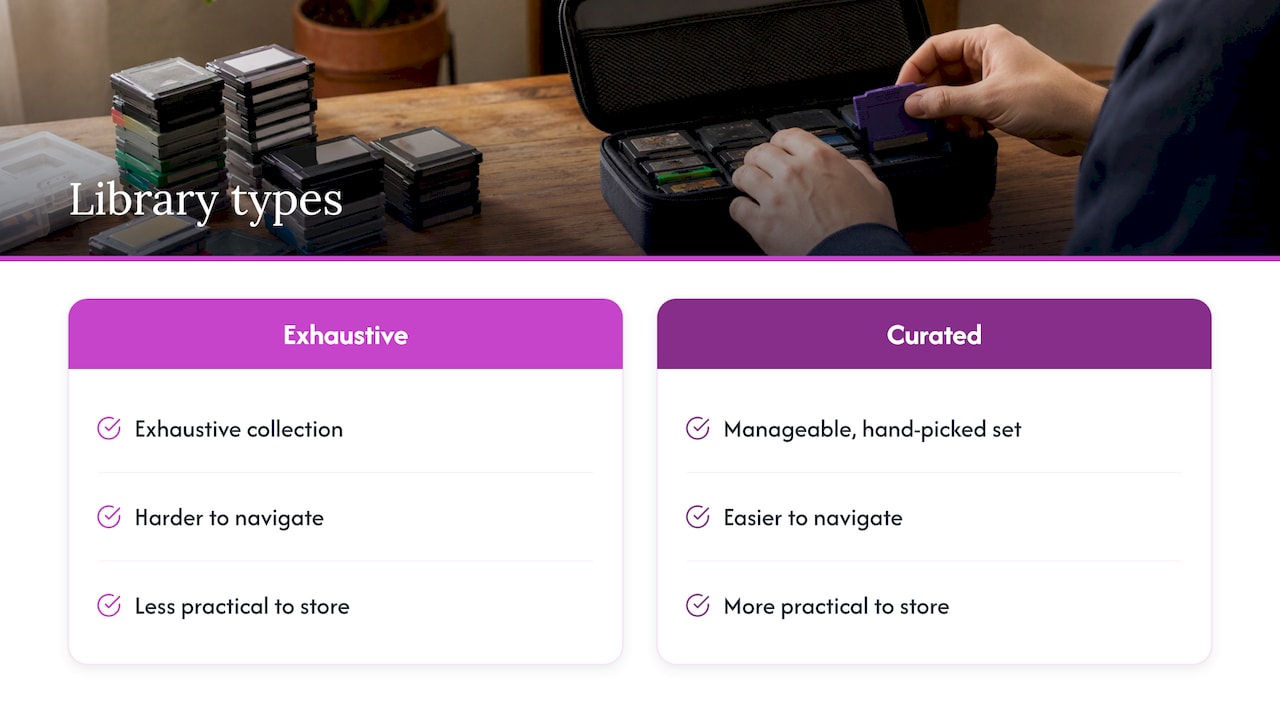
Curation is about quality, not permission
It is worth saying clearly: curating a set does not by itself grant anyone the right to distribute it. Curation answers “which games, and in what order.” Licensing answers “who may copy and distribute them.” Those are separate questions, and you should keep them separate whenever you evaluate a library, ours or anyone else’s. For your own additions, only the second question matters, and the previous sections show how to answer it.
What is a curated ROM set?
In the hobby, a curated ROM set usually means a collection of game files that has been filtered and cleaned up, and sometimes verified against community databases. Two names come up often. No-Intro covers cartridge and handheld ROMs, while Redump covers optical-disc games. Their hash lists check that a file matches a known-good source byte for byte, and Redump also checks for disc errors.
That verification is about file accuracy: is this file a clean copy, and is it named consistently? It says nothing about whether you may have the file. A perfectly verified file of a protected game is still a protected game. If a set claims to be “legal” because it is curated or verified, be skeptical of the claim and look for the actual license.
Why preloaded handhelds raise questions, and how to buy well
Shoppers rightly ask about devices that ship with thousands of games. Rights holders have taken a public position on the category: one major publisher’s U.S. support pages say that look-alike “retro” devices sold pre-installed with unauthorized copies infringe its copyrights. That is a reason to be thoughtful about whom you buy from and what you add yourself.
Here is how we suggest you approach any handheld purchase:
- Buy from a seller with a real U.S. presence, a published warranty and a clear return policy. Retro Pulse ships from a U.S. warehouse and comes with a one-year warranty and 30-day returns.
- Read what the seller says about the library, and keep your own additions limited to files you have rights to.
- Use the device’s card slots to separate your own additions from the preloaded library.
If you want a fuller look at the practical risks, we wrote about it in what to check on preloaded consoles, and our retro handheld buying guide shows what to compare across devices: screen, controls, battery and card slots.
A quick checklist before you add any game
| Question | If yes | If no |
|---|---|---|
| Did it come from a licensed store or the publisher? | Add it | Keep checking |
| Does the creator’s page say it is free to use and share? | Add it, and keep the terms | Do not add it |
| Is it clearly public domain? | Add it | Assume it is protected |
| Is it a download of a commercial game from a ROM site? | Skip it | Not applicable |
| Do you only own the cartridge? | Ownership alone does not allow a download | Check the source question above |
Perspective
We make Retro Pulse for people who want to press a button and play. That is why the library comes ready to go, organized by system, with no downloads and no subscription.
We also think the right way to talk about adding games is plainly. Your own additions should come from sources you can name: a store, a creator who released the game for free, a work in the public domain. That habit costs you nothing, and it keeps your library something you can feel good about handing to your kids.
Dual microSD slots exist for exactly this reason. One card can hold what you choose to add, and the device keeps doing what it does best: giving you a big, curated selection from over 20 systems on a bright 3.5" IPS screen, with a removable battery that lasts 6 to 8 hours.
If you are ever unsure whether a file is yours to use, leave it off the card. There are more classics ready to play than most of us will finish.
Sean
Ready to play without the setup
If you would rather skip the hunt for files, Retro Pulse comes with 15,000 classic games from over 20 systems, including NES, SNES, Genesis, PS1, N64, Game Boy, GBA and Arcade. It has a real D-pad, twin sticks and L/R triggers, charges over USB-C, and has two microSD slots for your own additions. It ships from a U.S. warehouse with a one-year warranty and 30-day returns.
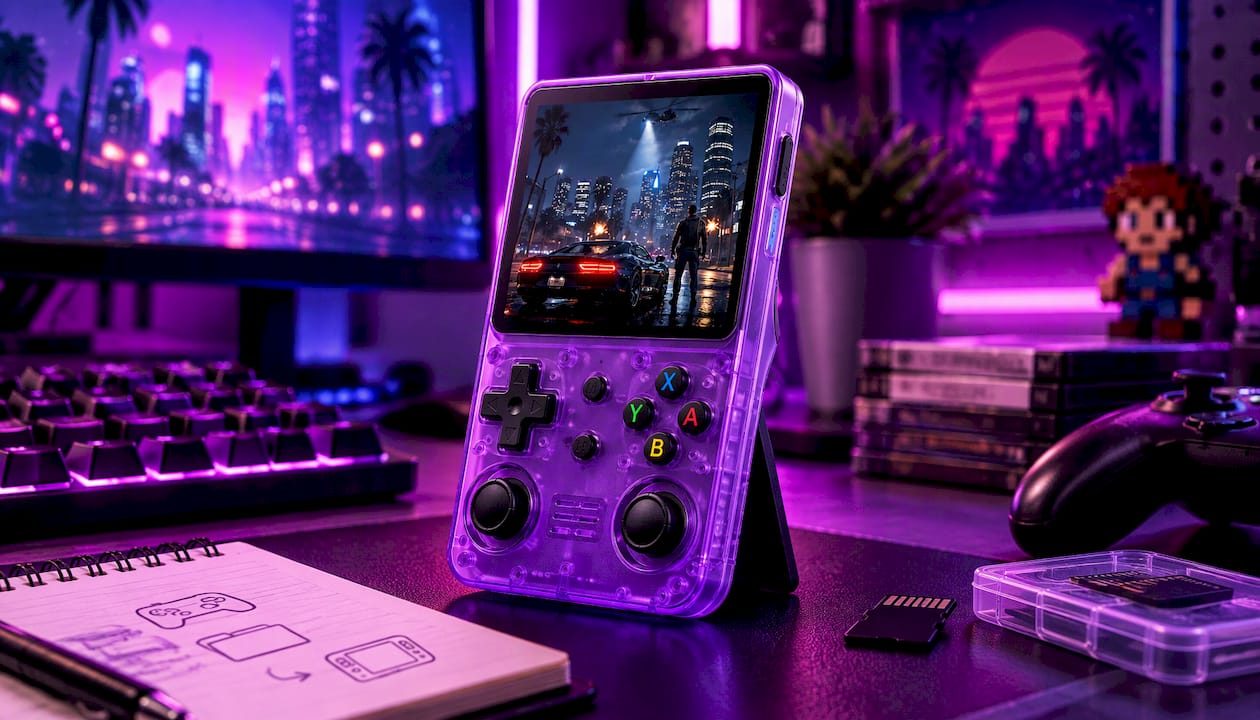
See the details and current pricing on the Retro Pulse product page, or start at Retro Ports. If you are buying for a family, our guide to sharing retro games with kids is a good next read.
FAQ
Is it legal to download ROMs of games I own?
Generally no. Downloading a ROM from a file-hosting or ROM site means receiving a copy made by someone else, and the Copyright Office describes unauthorized downloading of protected works as infringement. The archival-copy rule in Section 117 is narrow and applies to a program you own, not to a file you fetch. For questions about your own situation, ask a copyright attorney.
Can I add free games to my handheld?
Yes, if they are truly free to use. Public-domain works and homebrew or freeware released with the creator’s permission are the clearest examples. Read the creator’s terms first, since some free games allow personal play but not redistribution.
Are emulators illegal?
No. An emulator is software that mimics hardware, and emulators themselves are not illegal. The legal issue is where the game files come from and whether you have permission to use them.
Does a curated library mean the games are licensed?
Not automatically. Curated means selected and organized with care, usually for quality and ease of browsing. Licensing is a separate question about who has the right to copy and distribute a game, so keep your own additions to sources you can name.
Can I remove games or add my own on Retro Pulse?
Retro Pulse has dual microSD slots for adding games, so you can keep your own additions on a separate card. Follow the device’s guide for folder names and file types, and keep a record of where each file came from.
Sources
- Copyright and Digital Files (FAQ), U.S. Copyright Office
- 17 U.S. Code § 117, Legal Information Institute
- Video Game Emulation: Understanding the Legal Issues, McNeely Law
- Video Gaming/E-Gaming Law update, February 2022, Lexology
- Downloading game ROMs: Is it ever legal?, Android Authority
- ROM Legality Explained, Wagner’s TechTalk
- TopRoms, cdahmedeh
- ROM Naming Schemes, Decoded, nrdblg
- Intellectual Property & Piracy FAQ, Nintendo Support