For most retro fans who want quick, authentic play without fiddly setup, a dedicated handheld is the better choice. If you already own a capable phone and want to squeeze every last drop of horsepower out of it for free, phone emulation is the better route. Both platforms comfortably handle 2D classics and most PS1 and N64 titles, but PS2 and GameCube games need real tuning on either one. Readers who want dedicated hardware without the setup headache often land on the Retro Pulse from Retro Ports.
TL;DR:
- Dedicated handhelds generally offer better ergonomics, physical controls, and longer battery life compared to phone emulation, especially for fast-paced or precise games.
- Phones can emulate earlier console generations up to PS1 and N64 well, but tuning and configuration are often needed for later systems like GameCube and Dreamcast.
- Setting up phone emulators requires installing front-end apps, sourcing BIOS files, and mapping controllers, while preloaded handhelds like Retro Pulse eliminate most of this work.
- Battery anxiety remains a concern with phones during extended play, whereas dedicated handhelds with optimized software provide more consistent runtime and reduce interruptions.
- Using ROMs from owned media is the safest legal approach, and the Retro Pulse offers instant access to a large, pre-organized game library suitable for casual and family players.
Table of Contents
- Controls and ergonomics: how input quality and form factor change the experience
- Battery, portability, and ‘battery anxiety’
- Performance and compatibility: what console eras each platform handles well
- Setting up your emulator front end and pairing a controller
- Legal and ethical checklist for emulation
- Decision matrix: which platform fits your retro gaming profile
- Retro Pulse: a publisher’s take on ready-made handheld gaming
- Author’s quick take: lived experience balancing phones and handhelds
- Ready to buy a Retro Pulse handheld
- Sources
- FAQ
Controls and ergonomics: how input quality and form factor change the experience
The single biggest gap between phones and handhelds is what happens under your thumbs. A dedicated retro handheld gives you a real D-pad, real analog sticks, and shoulder buttons built into a chassis designed around them. A phone gives you glass. Touch controls work for turn-based games and puzzlers, but anything that demands precise directional input, a platformer, a fighting game, a shoot ’em up, exposes the difference fast.
Clip-on controllers close some of that gap, and standalone Bluetooth gamepads close more of it, but they add bulk, another battery to manage, and a pairing step every time you power on. Dedicated emulation handhelds provide physical controls and a form factor built for the job, which is why they tend to feel more natural within minutes of picking one up.
Stick drift and mushy D-pads are the two complaints worth watching for on either platform. A worn analog stick will drift a character in one direction without input, and a poorly hinged D-pad will drop diagonal inputs in games that rely on them, like most run-and-gun shooters.
Before buying anything, check for:
- A D-pad with a distinct, clicky travel rather than a flat rubber membrane.
- Analog sticks rated for extended use, since cheap potentiometers drift within months.
- Shoulder buttons and triggers with separate travel, not a single combined switch.
- Button spacing that matches your hand size, since cramped layouts cause mis-presses in fast games.
Pro Tip: Map your most-used button (usually “run” or “jump”) to a shoulder trigger instead of a face button. It reduces thumb fatigue on long sessions and mirrors how most SNES and Genesis games were designed to be held.
Battery, portability, and ‘battery anxiety’
A phone doing double duty as an emulator and a communication device creates a specific kind of stress: watching the battery percentage drop while you still need that phone for calls, navigation, or two-factor codes later. That’s the core of what reviewers call battery anxiety, and it’s one of the clearest advantages dedicated hardware has.
Dedicated handhelds spare your phone’s battery entirely and cut down on interruptions from calls and notifications while you’re mid-session. Background services, push notifications, and always-on radios also drain a phone faster during emulation than a purpose-built handheld running a stripped-down, offline-first stack.
Emulation handhelds with low-power CPUs and optimized software tend to deliver longer, more consistent battery life for retro-era games than a general-purpose phone running the same titles.
A few practical mitigations narrow the gap if you’re committed to phone emulation:
- Carry a power bank sized for at least one full battery cycle, not a token top-up.
- Favor handhelds or phone setups with a removable battery so you can swap rather than wait to charge.
- Drop emulator settings like shader effects and frame-rate uncaps, which pull noticeably more power for a marginal visual gain.
Performance and compatibility: what console eras each platform handles well
Neither platform is magic, and the honest answer depends heavily on the console generation you’re chasing. Break it into three rough buckets and the picture gets clearer:
- 8-bit and 16-bit systems (NES, SNES, Genesis, Game Boy): both phones and handhelds run these flawlessly, even on modest hardware.
- PS1 and N64: both platforms handle the bulk of this library well, though N64 emulation has always been rougher around the edges due to its unusual architecture.
- Dreamcast, PS2, and GameCube: this is where things diverge. These systems demand real processing power, and results vary title by title on both phones and handhelds.
On the phone side, a properly tuned older device can push into GameCube-era emulation, as shown when a Pixel 7 Pro was converted into a portable emulation rig that ran up to that generation with the right front end and controller setup. That’s a meaningful data point: a phone already in a drawer can outperform expectations once it’s properly configured.
The tradeoff is that getting there means digging into emulator cores, choosing the right rendering backend, and adjusting upscaling settings, work that a purpose-built handheld’s firmware has typically already done for you. Lowering internal resolution or disabling enhanced shaders is often the difference between a stuttering GameCube game and a playable one, on either platform.
If you want to chase later-era emulation as a project, a newer or flagship phone gives you more headroom to tune. If you just want PS1 and N64 games to work the first time you press power, a handheld’s optimized, purpose-built firmware saves you that entire step.
Setting up your emulator front end and pairing a controller
Getting a phone ready for serious retro play takes real setup time, while a handheld is closer to opening the box and pressing a button. Here’s what the phone route typically involves:
- Install a front-end app to unify your emulator cores, box art, and save states in one interface rather than juggling separate apps per system.
- Source the correct BIOS and firmware files for systems that require them, and place them in the exact folder structure the emulator expects, since misfiled system files cause more “broken” complaints than actual emulator bugs.
- Pair a Bluetooth controller and map its buttons to each emulator core individually, since mappings rarely carry over automatically between systems.
- Scrape metadata for box art, descriptions, and save states so your library looks and behaves consistently.
Front-end launcher apps can make an old phone feel close to a dedicated handheld once everything is unified, but that unification is work you do once and maintain over time.
A handheld with a preloaded library skips essentially all of that: you turn it on, and the games are already organized, already mapped to physical controls, and already playable.
Security is the other half of setup. Sideloading apps and downloading unofficial emulator builds from outside official app stores raises real malware and privacy exposure on a phone that also holds your email, banking apps, and photos. An offline-first handheld with no app store and no general internet access simply removes that attack surface.
Pro Tip: Before troubleshooting an emulator core, check your BIOS folder structure first. It resolves more “this game won’t boot” problems than any settings tweak.
Legal and ethical checklist for emulation
Emulation software itself is generally legal to write and distribute, but the games you run through it are a separate question, and this is where most confusion happens. Nintendo’s own published position states plainly that downloading ROMs from the internet is unlawful, regardless of whether you already own the physical cartridge. That stance has been publicly available for years and reflects the position most major publishers still hold.
The community best practice that has emerged around this is dumping your own ROMs from cartridges or discs you physically own, using dedicated dumping hardware, rather than downloading pre-made files from the internet. Licensed re-releases through official storefronts are the cleanest path of all, since they come with no ambiguity.
Practical steps worth following:
- Only play ROMs pulled from media you personally own, using a dumping device rather than a downloaded file.
- Favor officially licensed re-releases and compilations when they exist for the games you want.
- Avoid ROM sites entirely, since most files hosted there fall outside the legally obtained category regardless of ownership claims.
None of this is legal advice, and disputes or gray areas are best resolved by consulting primary publisher statements or a qualified professional rather than forum consensus.
Decision matrix: which platform fits your retro gaming profile
Match yourself to one of these profiles before you buy anything:
- Casual nostalgia player who wants to revisit childhood favorites without technical hassle: a dedicated handheld wins. Look for a preloaded library, real buttons, and a battery that lasts a commute. Skip anything requiring BIOS files or manual ROM sourcing.
- Commuter who already carries a phone everywhere: phone emulation makes sense if you’re willing to spend an evening on setup. Prioritize a clip-on controller, a front-end app, and a power bank for the ride home.
- Collector chasing authenticity: a handheld with real, well-built controls and a legally sourced library matters more than raw power here. Physical feel and correct button layout outweigh chasing later-era compatibility.
- Power user pursuing later-era emulation: a modern phone gives you more tunable headroom for Dreamcast and GameCube-class titles. Budget time for core configuration, shader adjustments, and controller mapping.
The cost versus convenience tradeoff usually settles the decision on its own: phone emulation is close to free if you already own the hardware, while a dedicated handheld is a single purchase that removes almost all the setup work described above.
- If setup time is your scarce resource, buy hardware built for the job.
- If money is your scarce resource, put in the hours on a phone you already own.
Retro Pulse: a publisher’s take on ready-made handheld gaming
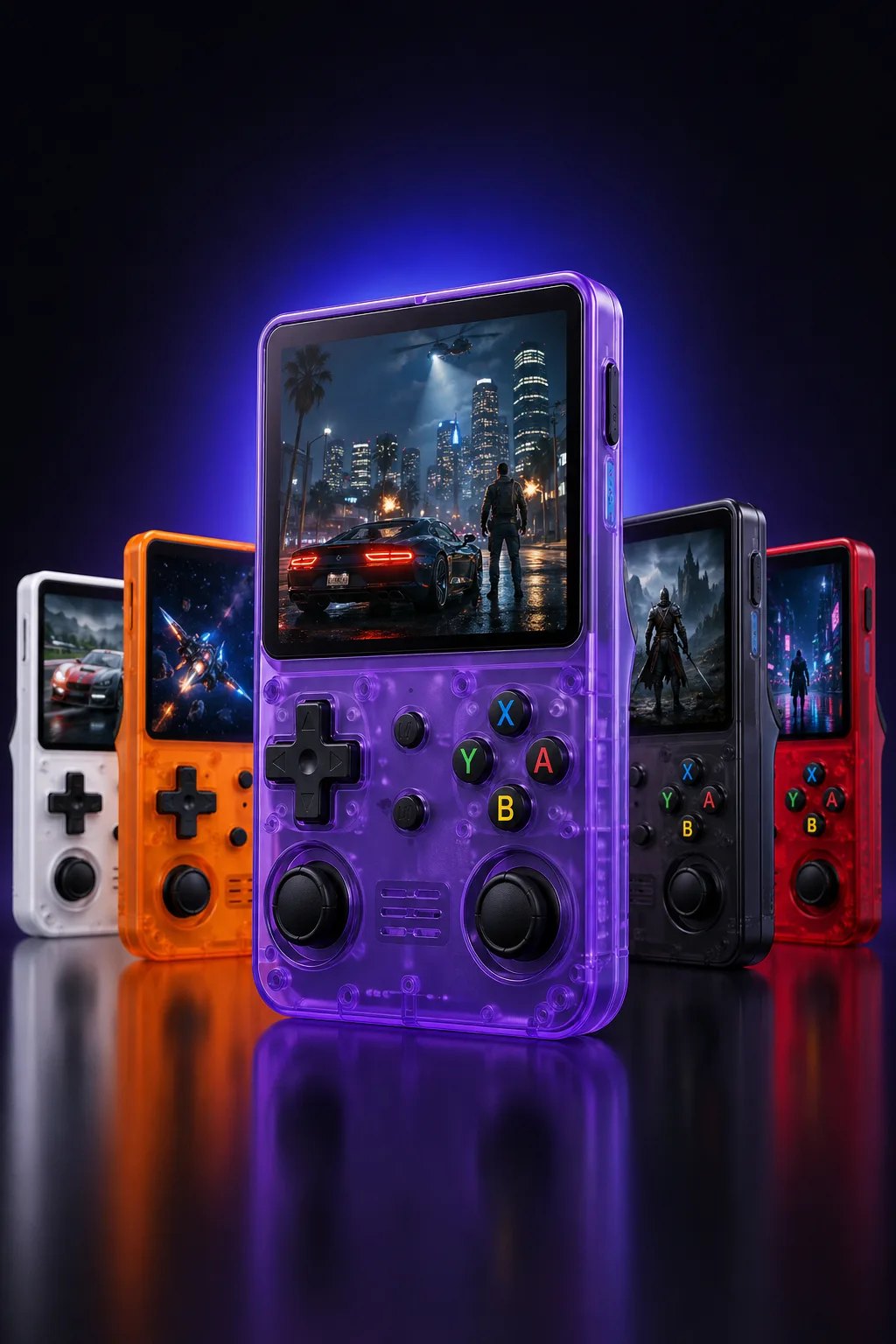
Retro Ports builds the Retro Pulse, a handheld console preloaded with 15,000 classic games spanning more than 20 systems, including NES, SNES, and PS1. The library is there the moment you turn it on, with no downloads, no BIOS folders to organize, and no subscription to maintain.
The hardware itself is built around the ergonomics problem covered earlier in this piece:
- A 3.5-inch IPS display paired with a genuinely robust chassis rather than a phone bolted to a plastic clip.
- A removable battery for extended play sessions without hunting for an outlet.
- An offline-first design that keeps the experience distraction-free, with no notifications competing for attention.
That combination is aimed squarely at the profiles this article keeps circling back to: casual nostalgia players who want instant access, and parents who want to hand their kids the same games they grew up with in a format built to survive actual use. It comes with a warranty, which matters for a device that’s going to get passed around a household.
Author’s quick take: lived experience balancing phones and handhelds
I keep an old phone loaded with emulators for the rare afternoon I want to mess with shader settings or chase a GameCube title just to see if it’ll run. For everything else, actual play sessions on the couch, on a train, handing a controller to a kid who’s never seen a Game Boy, I reach for a dedicated handheld. The phone setup is a hobby in itself. The handheld is just a way to play games.
Neither approach is wrong, but they solve different problems. If you’re weighing this decision, run through the profiles above honestly before you spend money on either path.
— Sean
Ready to buy a Retro Pulse handheld
If the decision matrix above pointed you toward dedicated hardware, the Retro Pulse skips the setup entirely. It arrives with its 15,000-game library already organized, ships from a U.S. warehouse, and comes with a one-year warranty and 30-day return window if it isn’t the right fit.
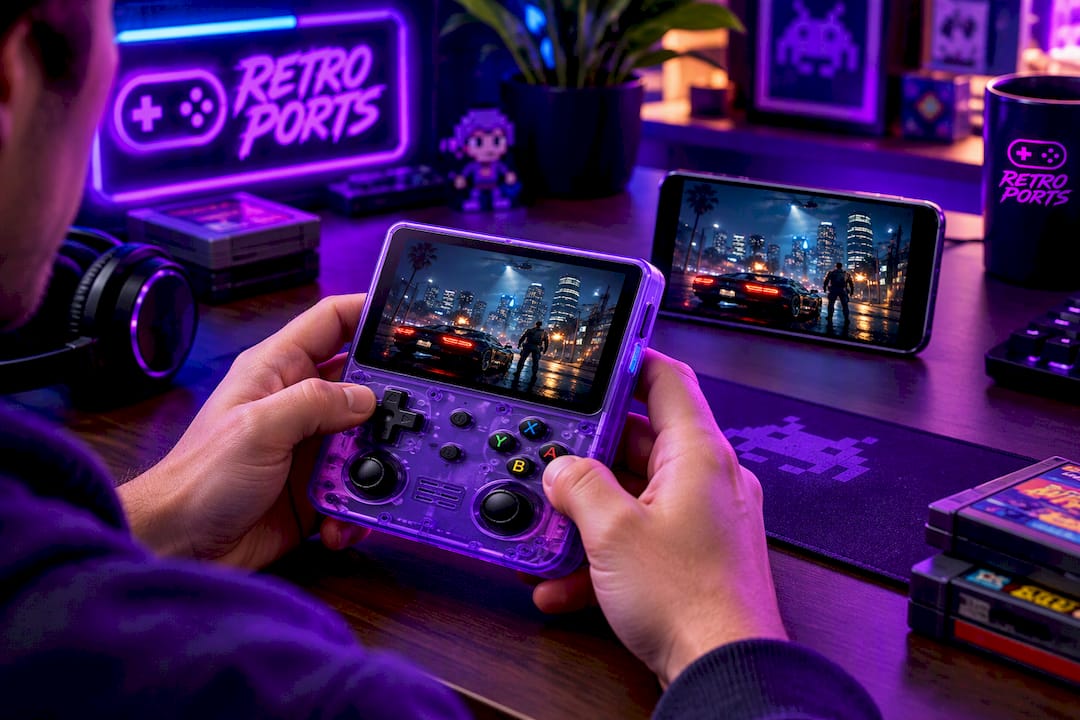
Who it suits best, based on everything above:
- Casual players who want to press power and start playing within minutes.
- Parents looking for a durable, distraction-free device to hand to a child.
- Gift buyers who want something ready to use straight out of the box, with no app-store friction.
Check current availability and specs on the Retro Pulse product page before you decide.
Sources
For performance testing on real hardware, the Android Authority Pixel 7 Pro conversion is the most concrete account of what a phone can actually handle. For legal grounding, Nintendo’s archived company FAQ remains the clearest publisher statement on ROM downloads. For the handheld side of the argument, How-To Geek’s comparison and XDA Developers’ battery anxiety piece cover ergonomics and battery tradeoffs in detail.
- Got a new gaming handheld? These 10 tips will make your experience more enjoyable
- 5 reasons retro gaming handhelds are better than a phone app
- I turned my old Pixel 7 Pro into a portable emulation handheld, and it actually works
- Nintendo: Company FAQs (ROMs and emulation)
FAQ
Is phone emulation better than a dedicated handheld?
Neither is universally better since it depends on your priorities. A dedicated handheld wins on ergonomics, setup time, and battery predictability, while phone emulation can reach further into later console generations if you already own capable hardware and are willing to tune it.
What console generations can a phone realistically emulate?
Most phones handle 8-bit through PS1 and N64 games without issue, and a well-tuned older phone has reached GameCube-era compatibility with the right front end and settings. Results vary by title and by how much configuration work you’re willing to put in.
Is downloading ROMs online legal?
No. Nintendo’s own published position states that downloading ROMs from the internet is unlawful, even if you own the original cartridge. The community best practice is dumping ROMs from media you personally own rather than downloading files.
Why do dedicated handhelds have better battery life than phones?
Dedicated handhelds run stripped-down, offline-first software without the background services, push notifications, and radios that drain a phone during the same session. That’s also why they avoid the battery anxiety of watching your only phone’s charge disappear.
Does Retro Pulse require any setup or downloads to start playing?
No. The Retro Pulse from Retro Ports ships preloaded with 15,000 games across more than 20 systems, so it’s playable immediately without sideloading apps or configuring BIOS files. Check the Retro Pulse product page for full specs and current availability.